theme :: dash

A radio site that changes color with the song.

Dash plays your stream, finds the cover of whatever is on air, and recolors every page from it: buttons, stickers, shadows, paper and ink. When the song changes, so does the site. It is a complete spoke-code site for volunteer-run and community stations, with shows, DJs, a schedule, events and a blog behind the player.

readout

  • now playing ... deee-lite / build the bridge
  • accent ......... #eb7828
  • paper ......... #f1eae6
  • next song ..... changes it all

play dash.mp4

Press play. Watch the site change.

Thirty-five seconds of the real theme, recorded from a build playing real songs. Nothing is edited: the player is a cassette, then a record, and the page takes its colors from the cover of whatever is on.

  • Dash

    A visitor presses play and opens the player: the cassette, then the record, grows out of the bar into a large 3D view with the real cover. They bring the cover forward, send it back, close it, and the whole site takes the next cover's colors.

    • Next.js
    • React
    • Tailwind CSS
    • Files or Sanity
    npx spoke-code create my-station --theme dash
    Open the live demo

--art-accent

Every song, its own site.

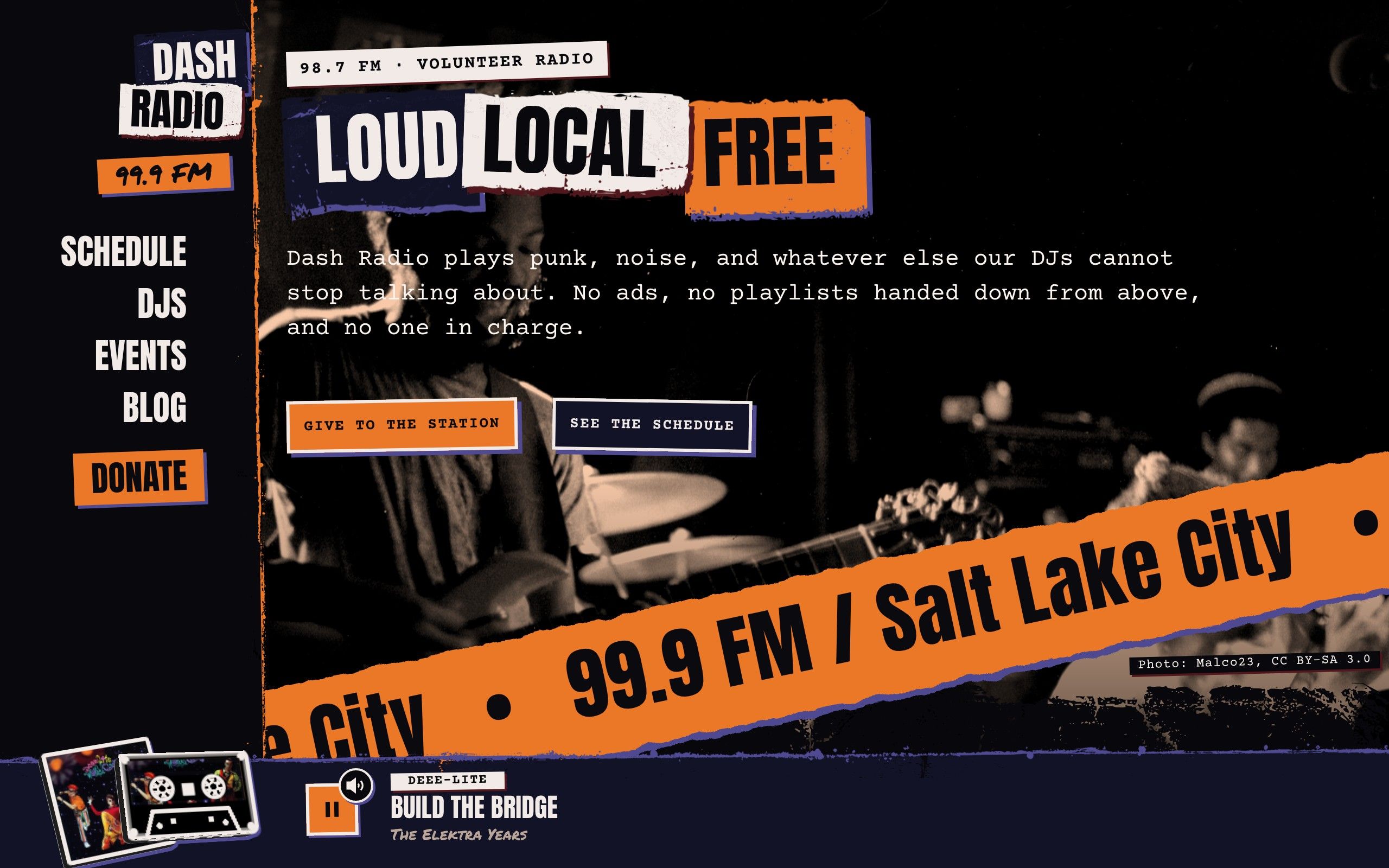
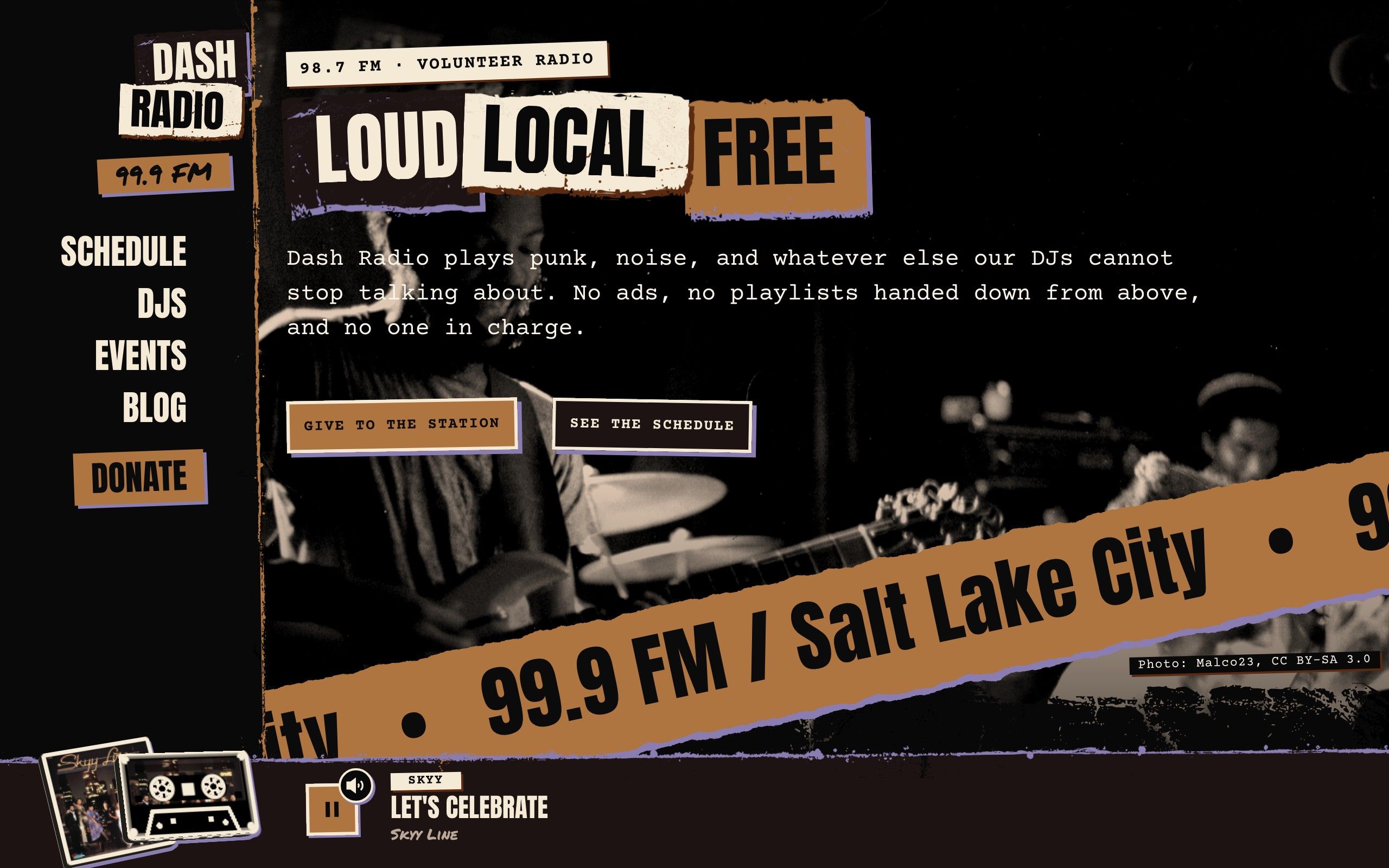
The same front page in the colors of three songs, each from its real cover. The cover picks the hue; Dash keeps the brightness, so the text stays readable whatever the cover is.

  • The Dash front page while the first song is on air: the buttons, stickers, highlights and the player bar all take the cover's colors.

    #eb7828

    Build the Bridge

    Deee-Lite's cover is orange and violet, and so is the site: the buttons, the stickers, the hard shadows and the player bar.

  • The same front page after the song changes: the whole site has taken the next cover's colors.

    #ae7540

    Let's Celebrate

    The song changes and everything follows. A muted gold cover gives a muted gold site, not a loud one pasted on top.

  • The same front page when the third song comes on: paper, ink, buttons and shadows follow the new cover.

    #e8348d

    Be Mine

    A hot pink cover turns the buttons, highlights and shadows pink while the paper and ink stay as readable as before.

click the record

A player you can pick up.

The record or tape in the player bar wears the song's cover. Click it and it grows out of the bar into a large 3D view that follows your pointer, then shrinks back when you close it. Click the case or the sleeve to swap what is in front.

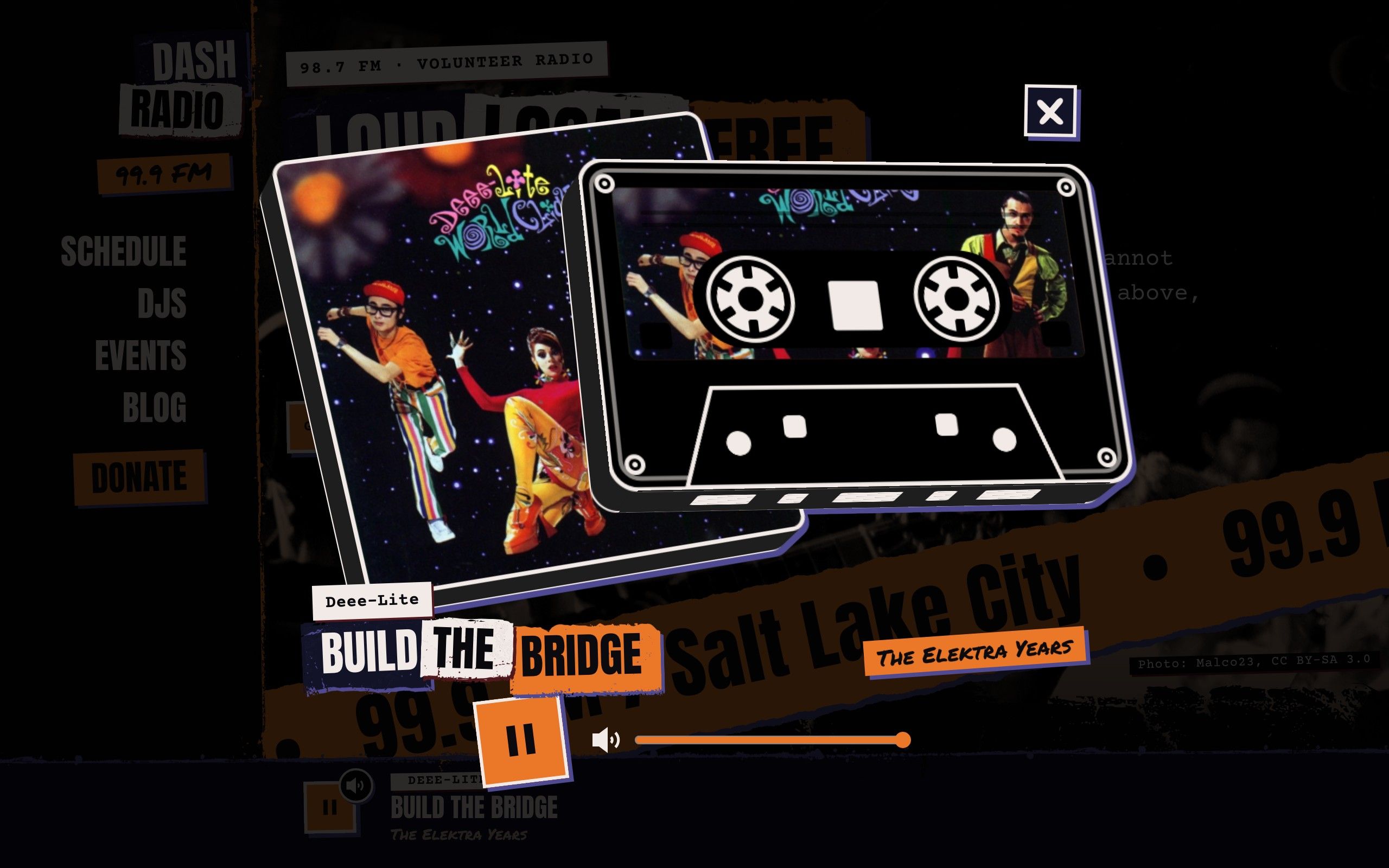
  • The cover dialog with a cassette: the tape from the player bar has grown into a large 3D view, sliding out of its case, with the album cover on the case and the song in cut-out letters.

    playerStyle: cassette

    The cassette, opened

    The tape slides out of its case with the cover on the label, turning while the song plays. The song is in cut-out letters, the artist on a label.

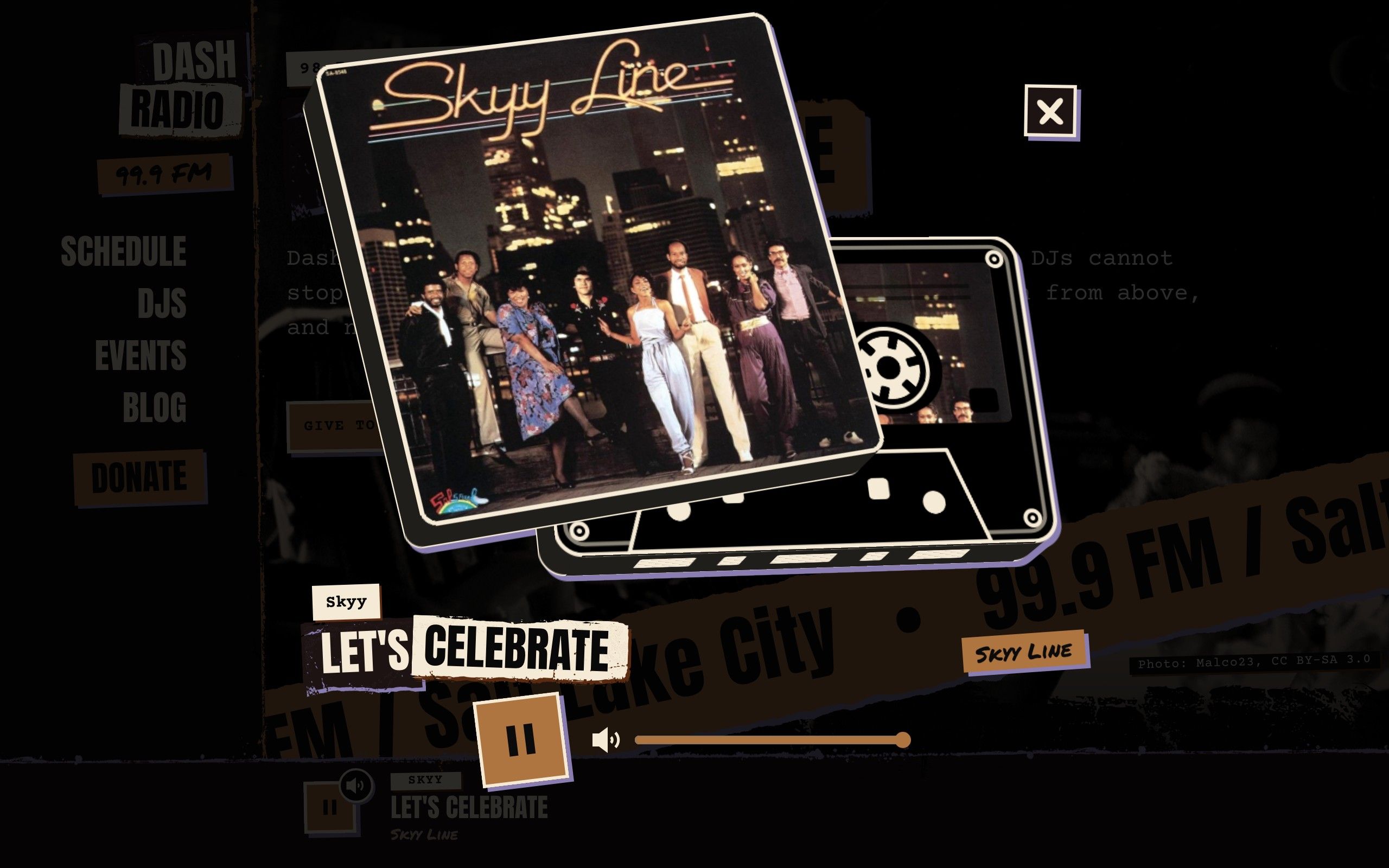
  • The same cassette view after a click on the case: the case has come in front of the tape, showing the whole cover.

    click

    Bring the case forward

    One click brings the case in front of the tape to show the whole cover; another sends it back.

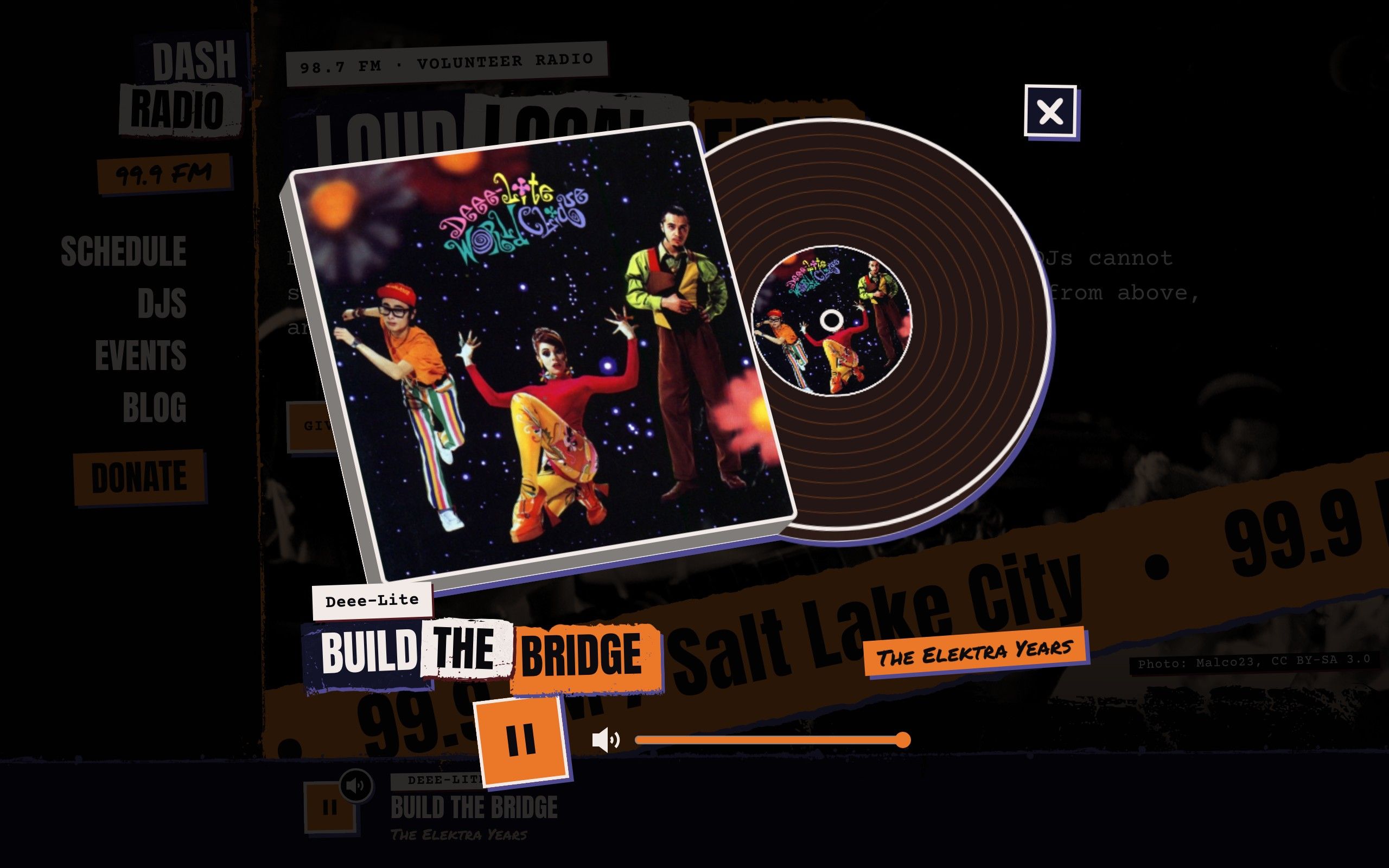
  • The cover dialog with a vinyl record: the record from the player bar has grown into a large 3D view, sliding out of its thick sleeve with the cover on its label, turning as the song plays.

    playerStyle: vinyl

    The record, opened

    The record comes out of its thick sleeve with the cover on its label and turns while the music plays.

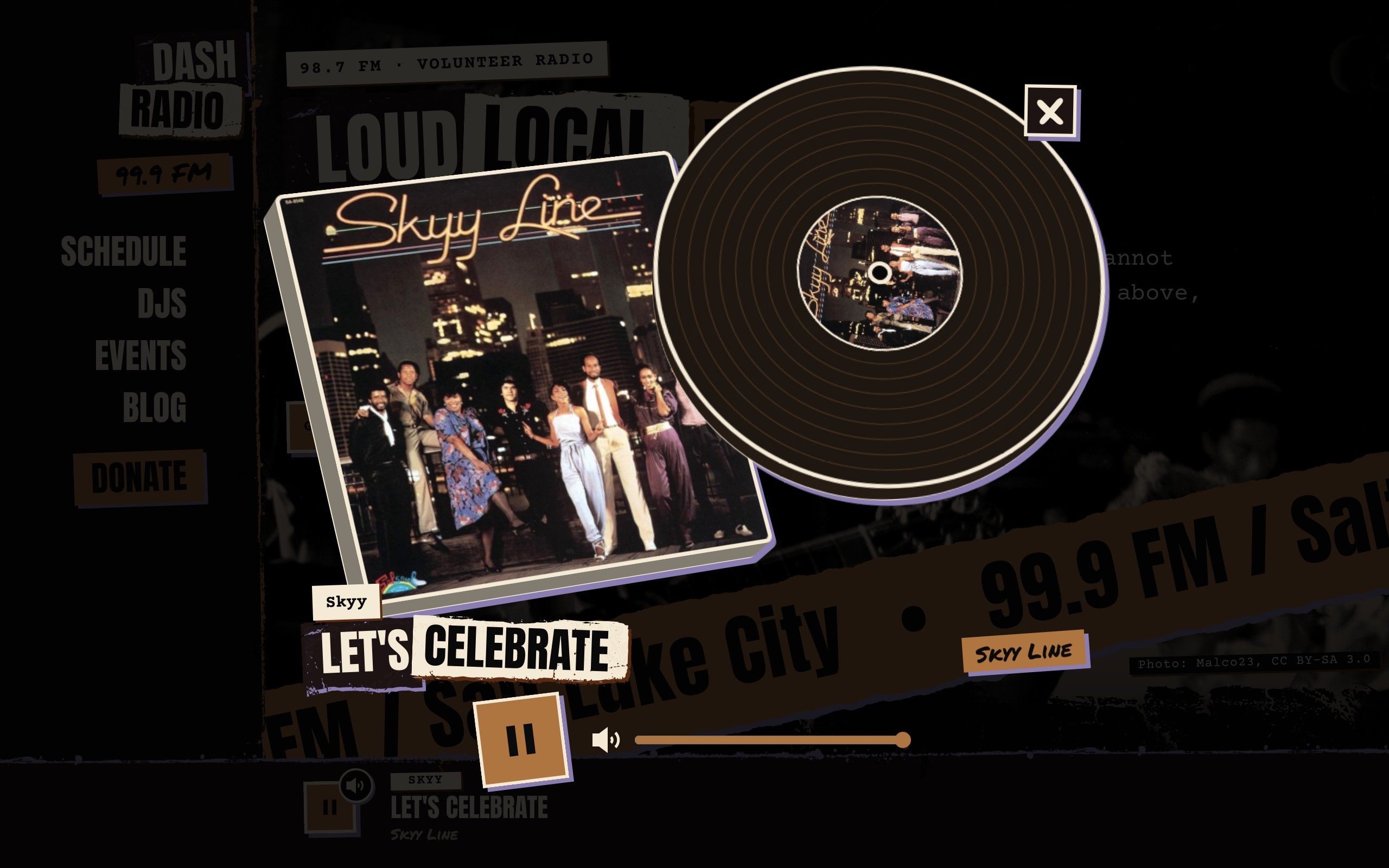
  • The same vinyl view after a click on the record: it has come in front of the sleeve, grooves and label tinted from the cover's colors.

    click

    Bring the record forward

    The grooves and the label are tinted from the cover's colors, so every song has its own record.

  • The pre-loader: a sheet with the station's logo peeled on word by word and the player's cassette spinning over it, just before a slanted wipe sweeps it away.

    preloader

    A pre-loader with the player's own record

    The first visit opens on your record or tape, slapped down spinning over the logo, then a slanted wipe sweeps it away. It plays once per visit and not at all with reduced motion.

cat PIPELINE

How a song becomes a color scheme.

One small route on your own server does the work, and the audio never passes through it.

  1. [ 0.001 ]It reads what is playing

    Your stream carries the artist and title. Dash reads them from the stream itself (Icecast or Shoutcast) or from a station feed such as WFMU's. Station IDs, ads and live-DJ announcements are not songs, so they are skipped.

  2. [ 0.002 ]It finds the cover

    Streams carry no pictures, so Dash looks the cover up on iTunes, then MusicBrainz and the Cover Art Archive. It accepts a match only when the artist and the title are both close: a wrong cover is worse than none.

  3. [ 0.003 ]It picks three colors

    On the server, the cover is shrunk and three colors are taken from it: an accent, an ink and a paper. A black-and-white cover gets a palette derived from it. A song with no cover gets a made-up one.

  4. [ 0.004 ]The page recolors itself

    The listener's page receives only the finished colors, and every surface, text and accent color is rebuilt from them with the lightness pinned, so any cover gives readable text. The next song is a new palette.

  5. [ 0.005 ]It asks politely

    The page asks what is playing every twenty seconds, only while the tab is visible, and the answer is cached per song, so a crowd of listeners does not mean a crowd of lookups.

  6. [ 0.006 ]It works with no stream at all

    Without a stream address the player runs a demo with three made-up songs and hand-picked colors, so a new site shows how it works before you have a stream. The pictures and the video on this page were recorded with real songs.

ls pages/

Every piece, up close.

Real screenshots of the running theme. Click any of them to see it full size.

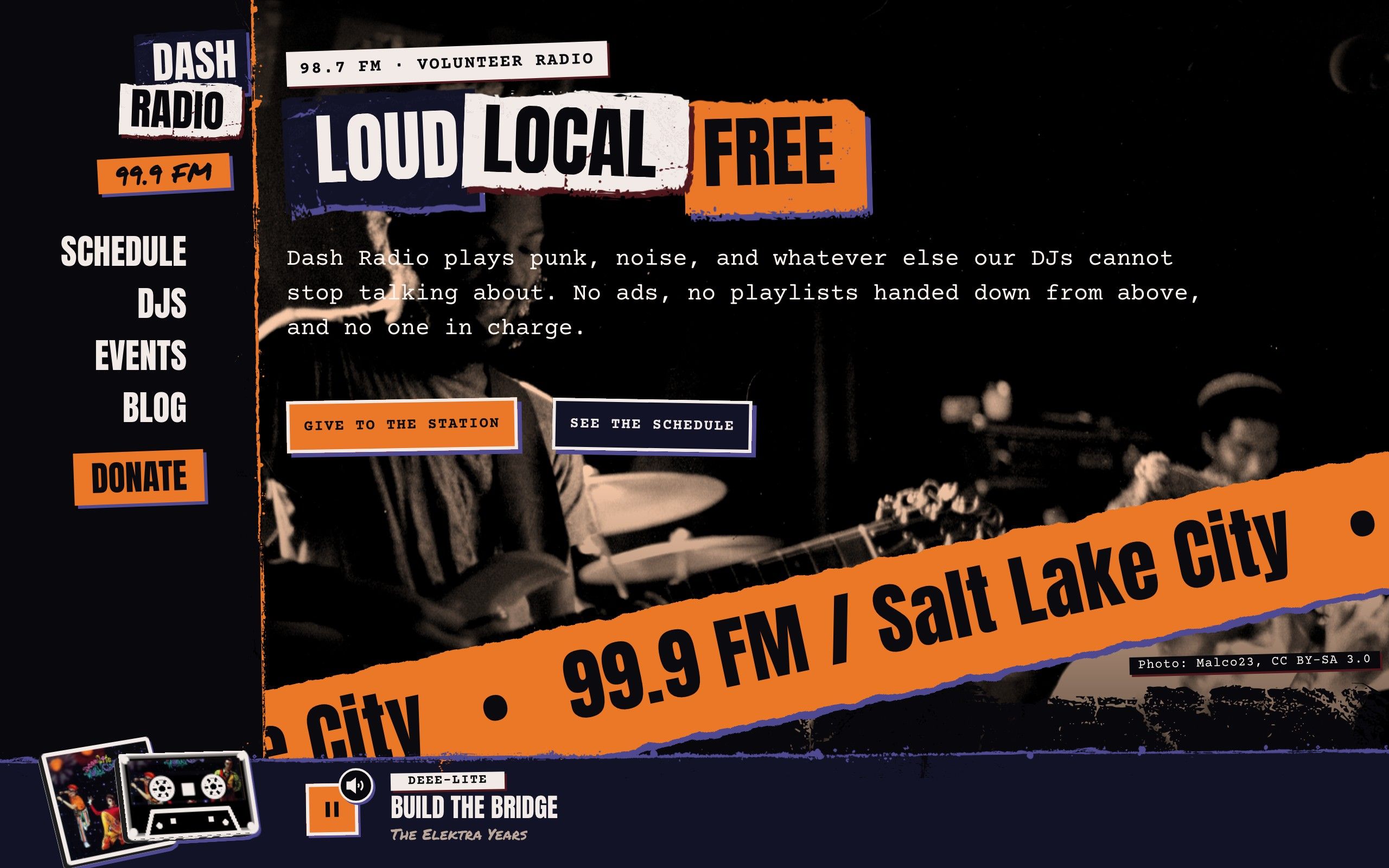
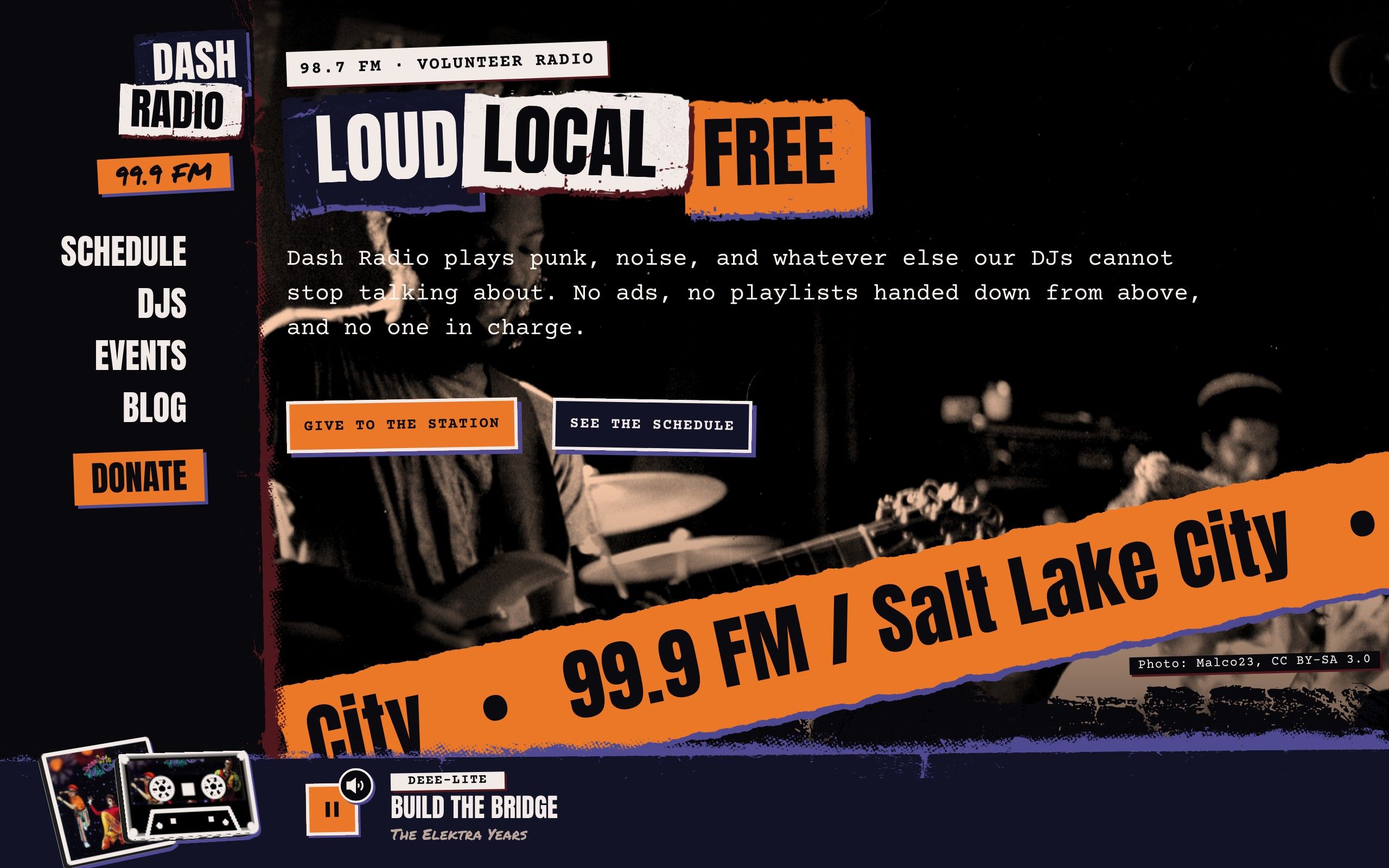
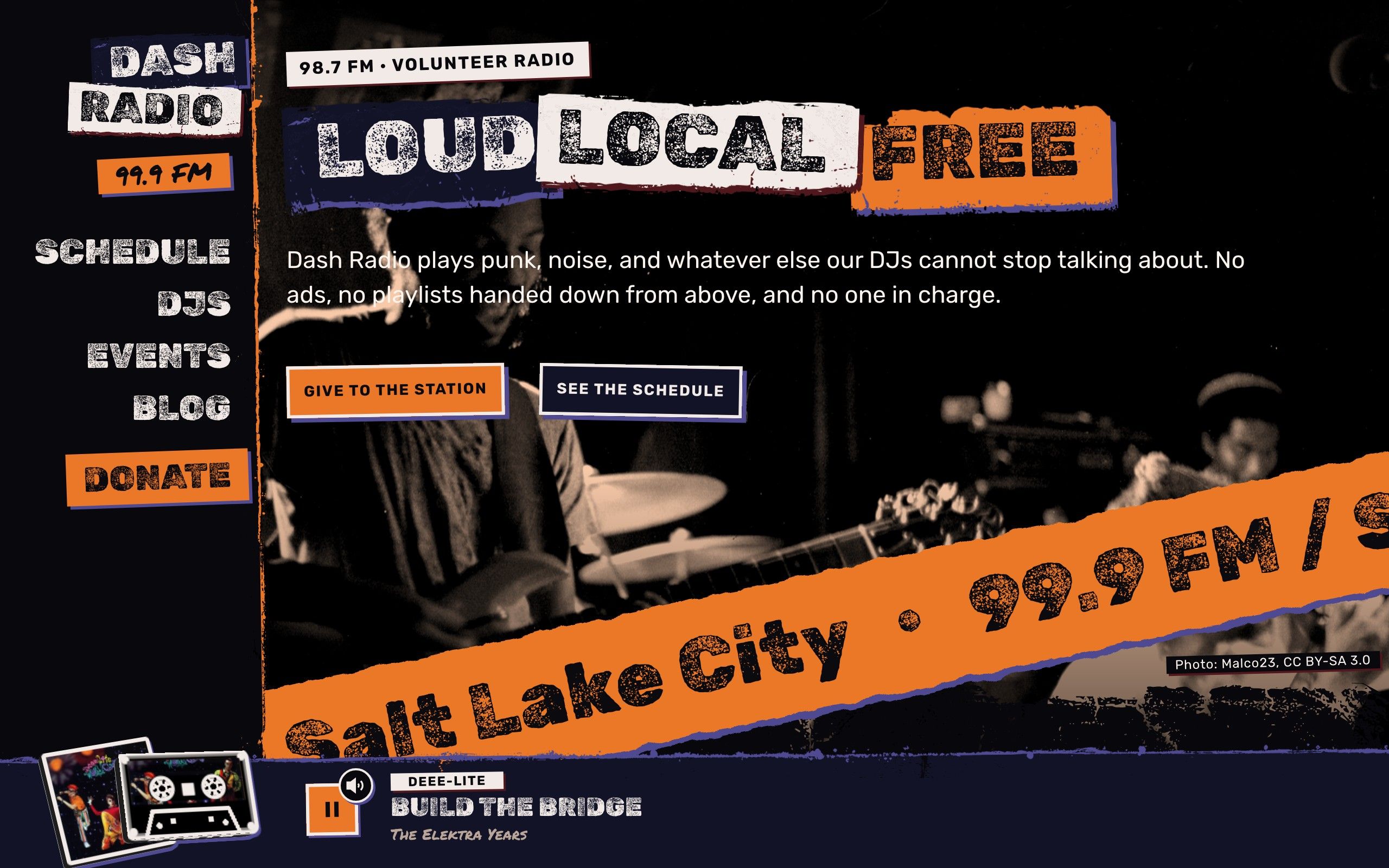
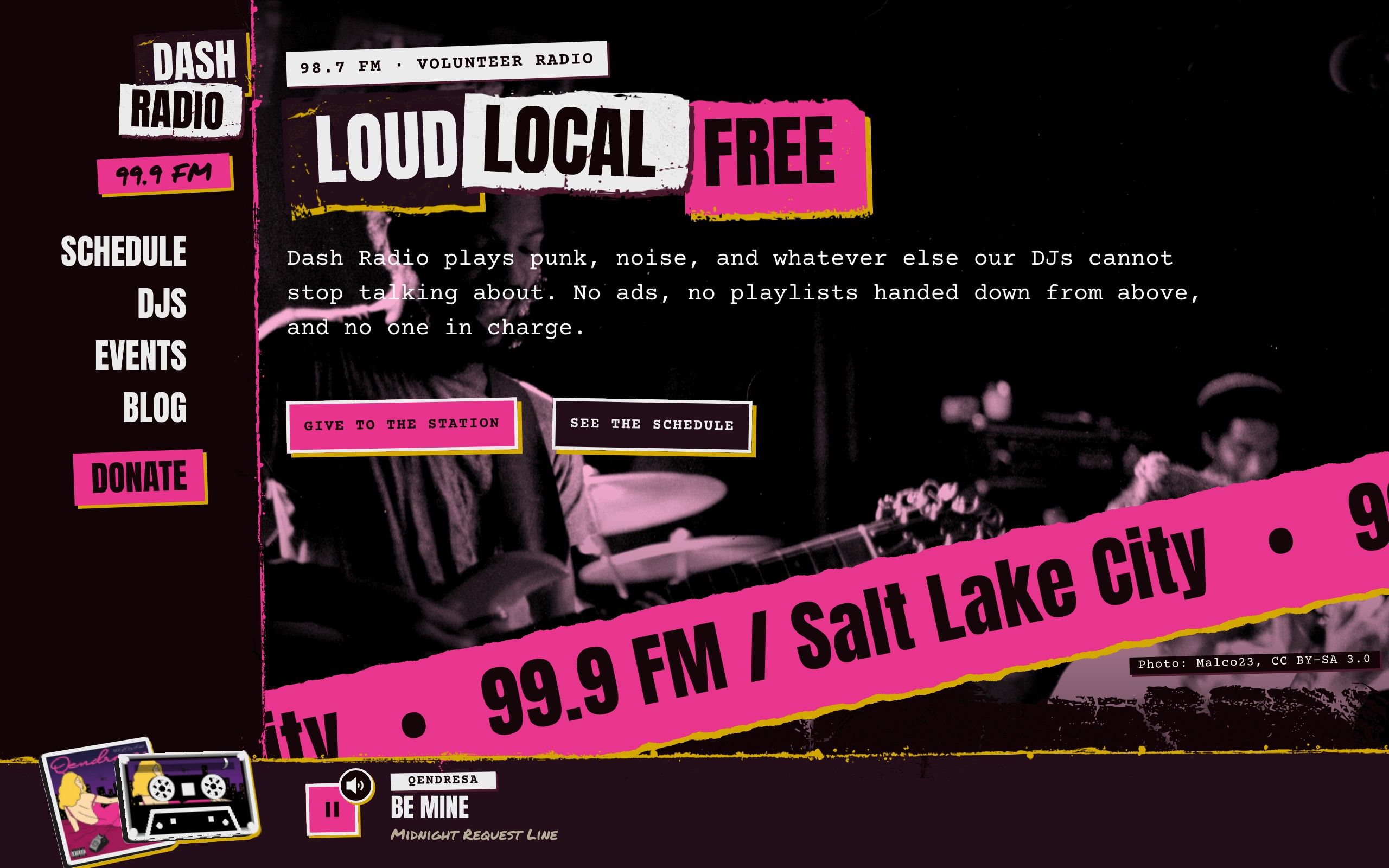
  • The Dash front page: the masthead down the left edge, a cut-out poster headline over a photocopied band photo with a torn edge, and the player bar along the bottom with a cassette and a real album cover, on air.

    hero

    A front page cut from a photocopy

    The headline is cut out word by word, the photo is washed in your spot color with its credit printed in the corner, and the edge below it is torn paper or spray paint. The player bar sits along the bottom with the song on air.

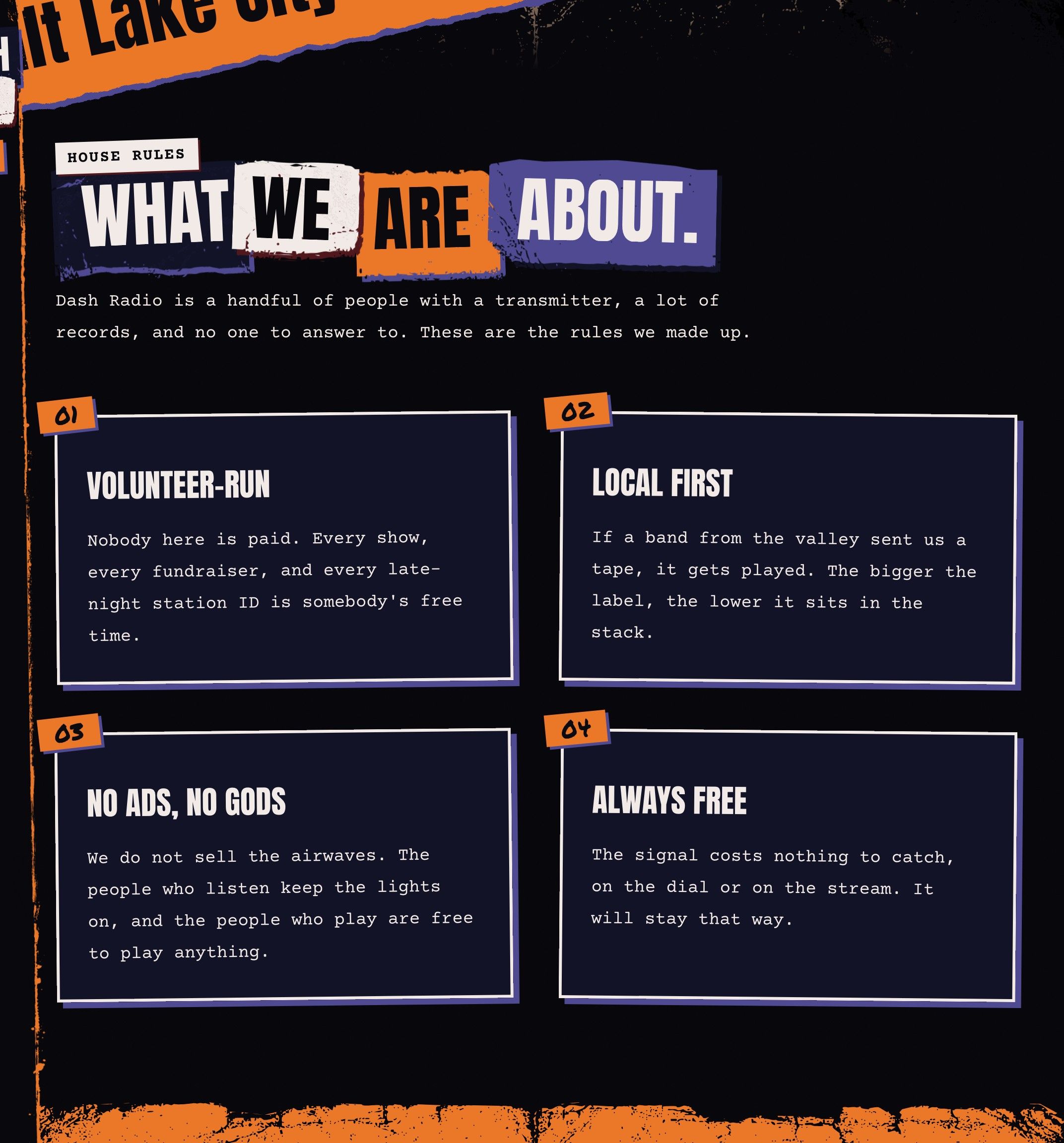
  • A list of house rules, each a numbered scrap of typewriter text with a hard offset shadow.

    featureList

    House rules, pasted up

    Numbered scraps of typewriter text with hard offset shadows and marker numbers. Nothing is soft, round or glowing, and it all still sits on the 16-pixel grid.

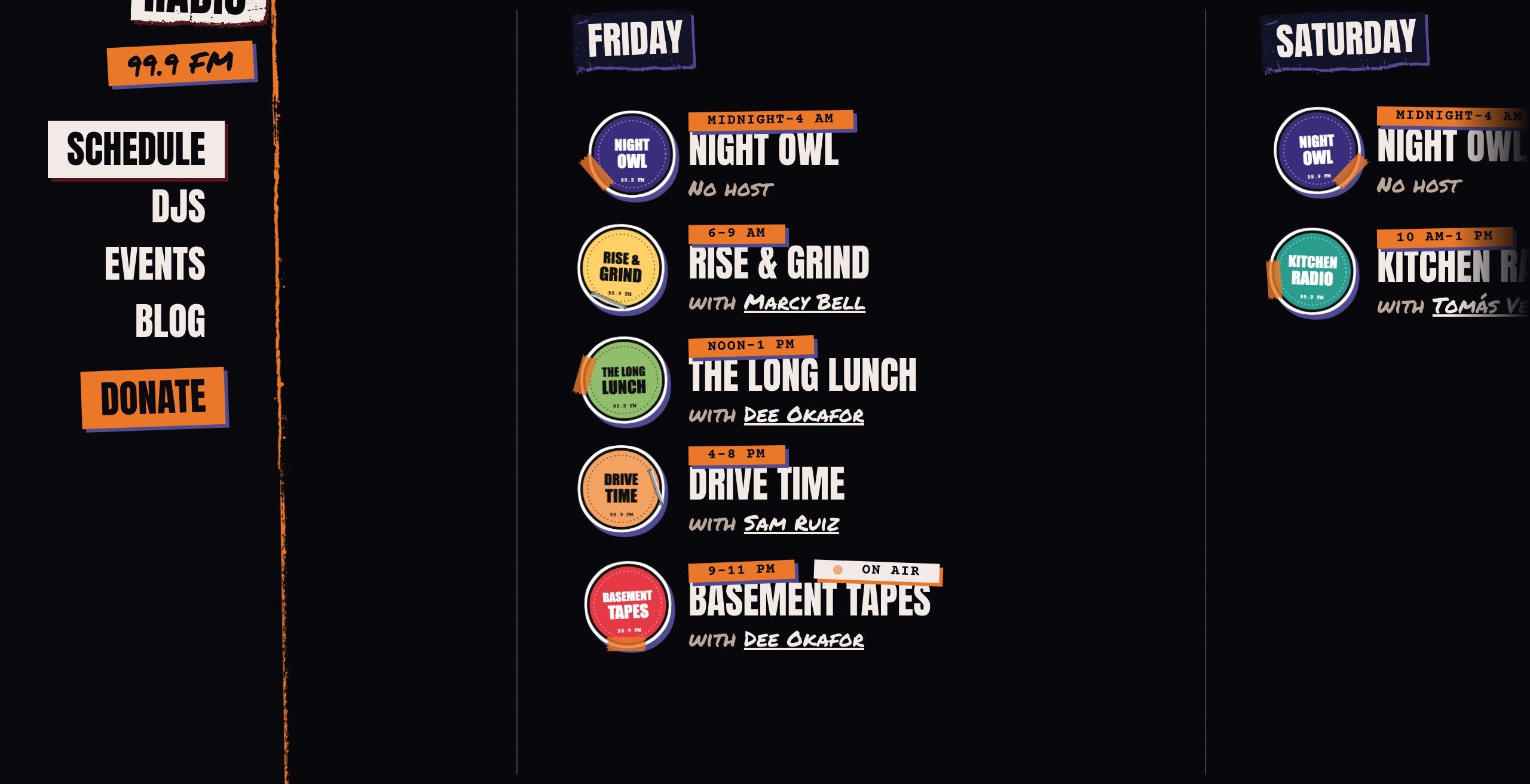
  • The weekly schedule laid out by weekday, each show a card with its time and hosts, and the show on air now marked.

    /schedule

    A schedule by weekday

    Every show with its time and its hosts, linked both ways. "On air now" is worked out in the visitor's browser against your station's own time zone, so the page itself stays cached.

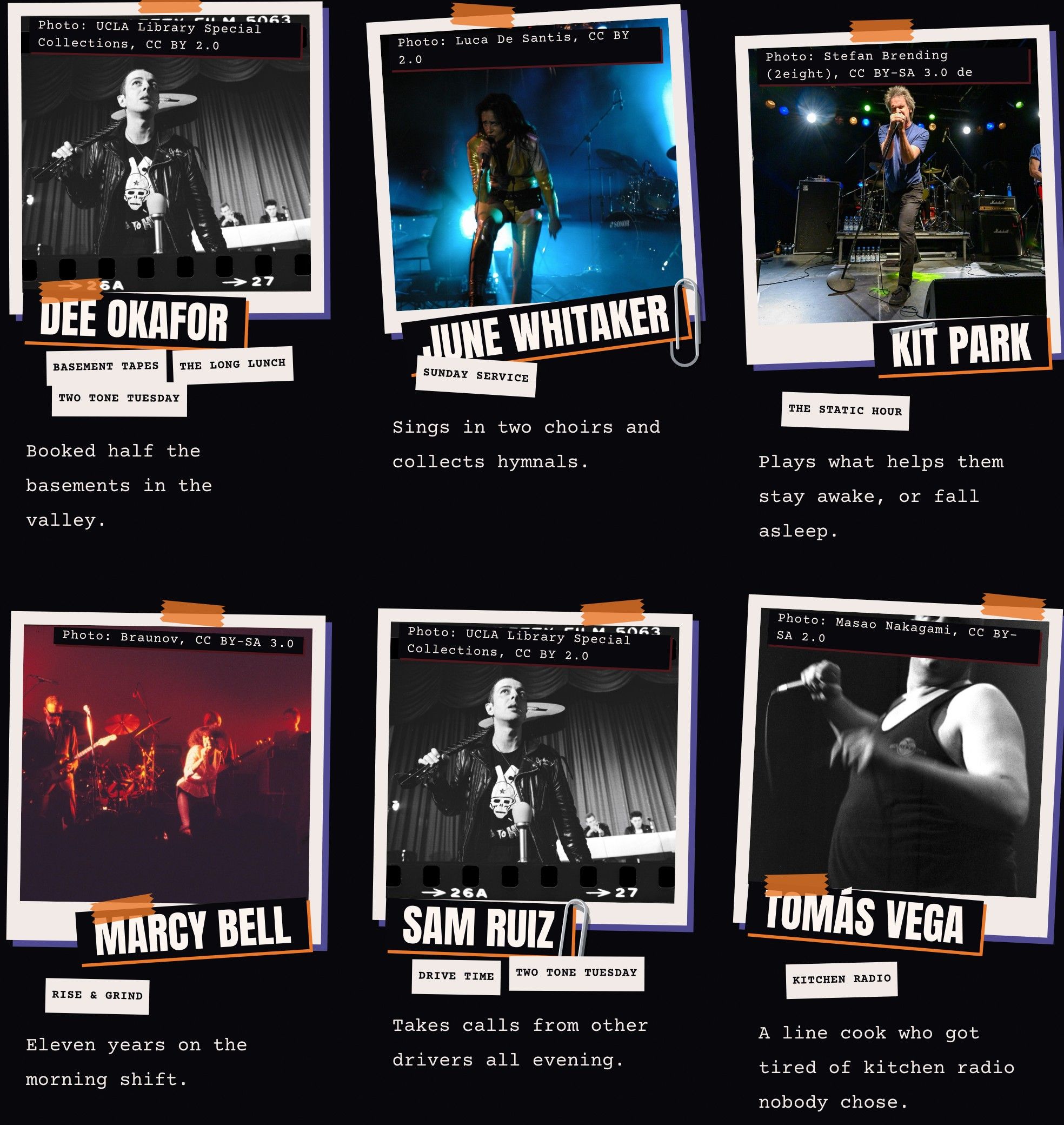
  • A page of DJs, each with a photocopied portrait or a made-up cover, a name, and a one-line tagline.

    /djs

    DJs, and the shows they host

    A name, a tagline and a photo or a generated cover. A DJ's shows are the shows that name them, so each fact is written in one place.

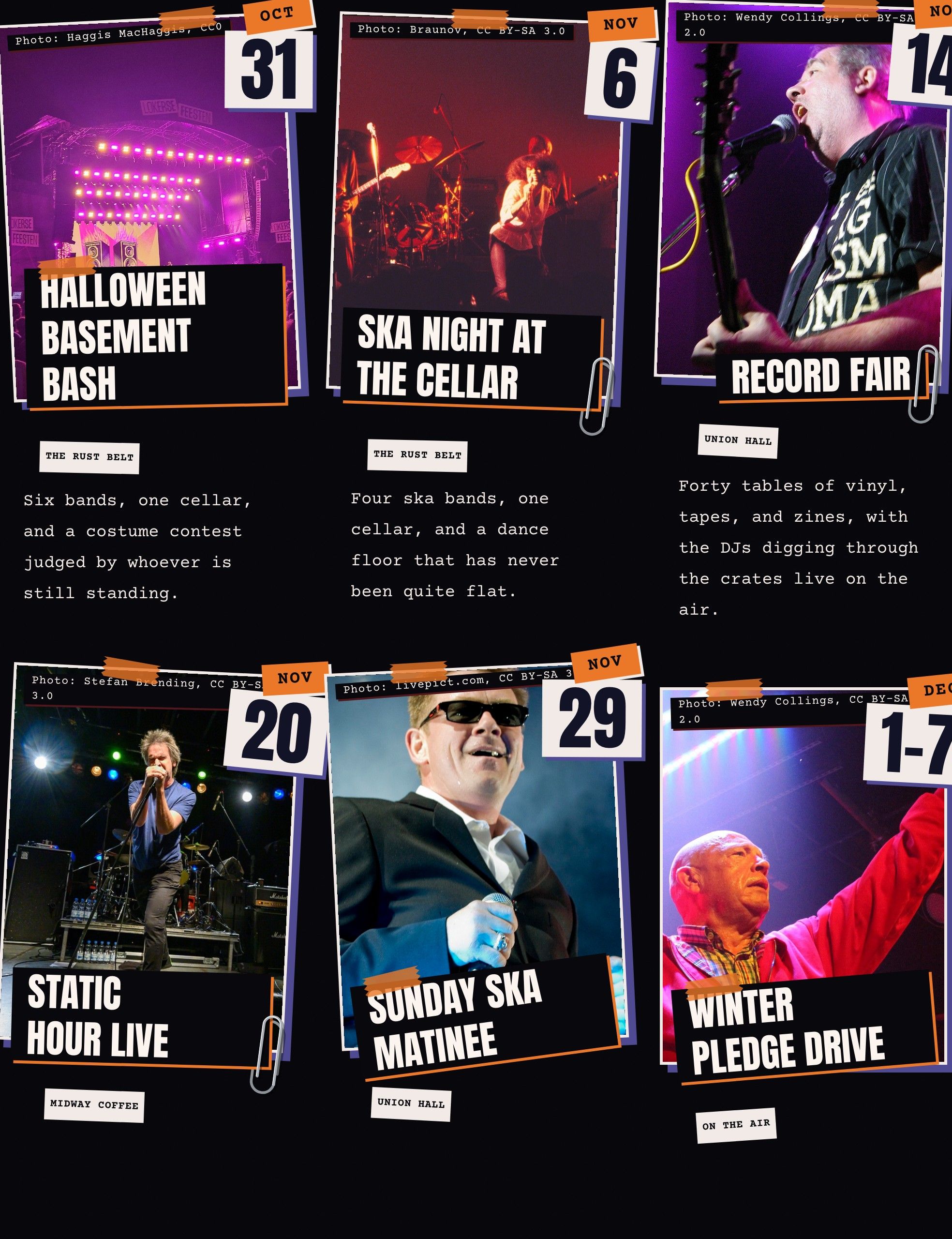
  • A list of upcoming events with dates, venues and prices, above the ones that already happened.

    /events

    Events, upcoming and past

    Date stickers, venue, price and a photo. The list splits upcoming from past by the station's own date and rebuilds at least hourly.

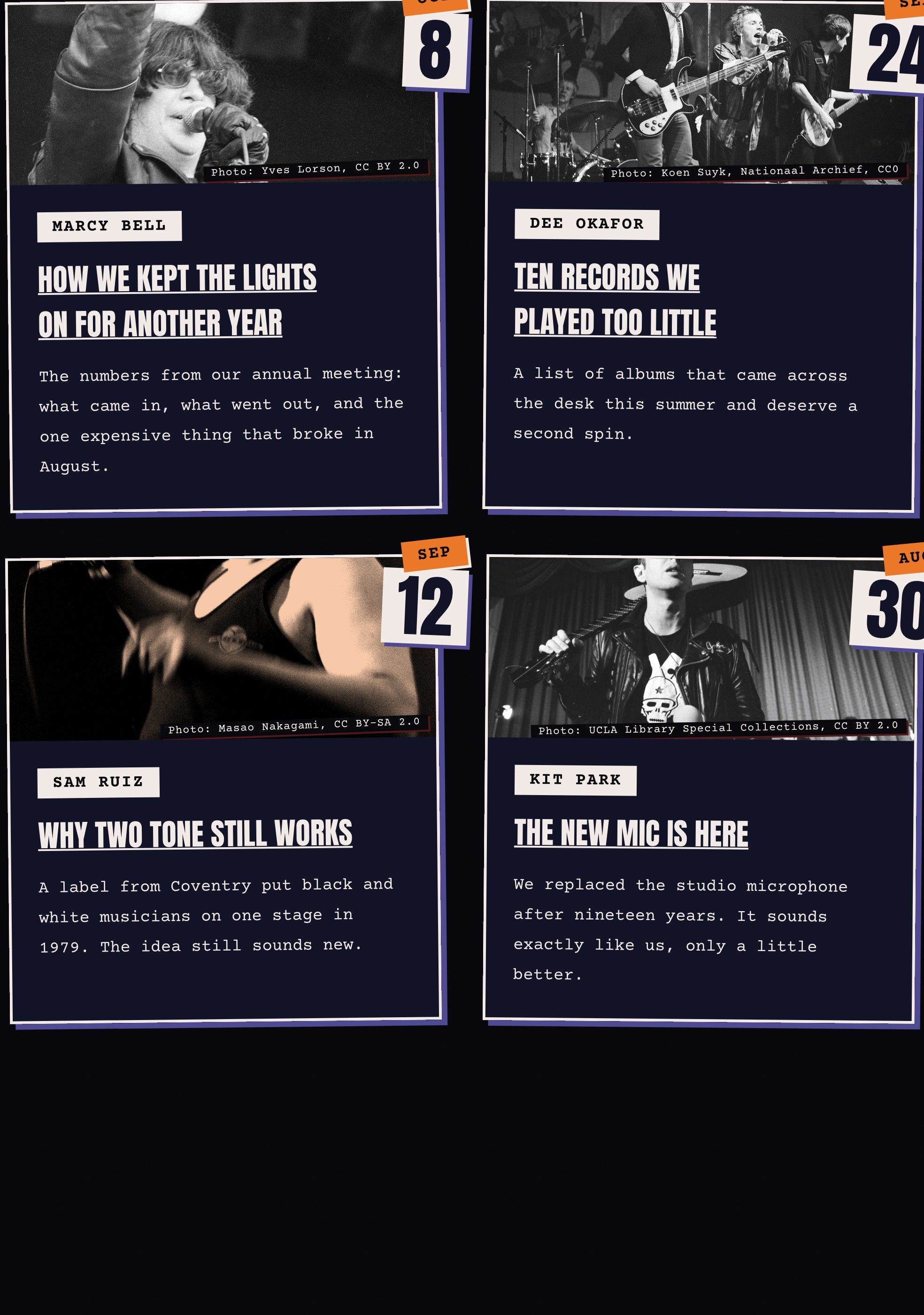
  • A page of station news posts, each with a photo, a date, an author and an excerpt.

    /blog

    A blog for station news

    Posts with a photo, a date, an author and an excerpt. A post can choose its own torn page edge.

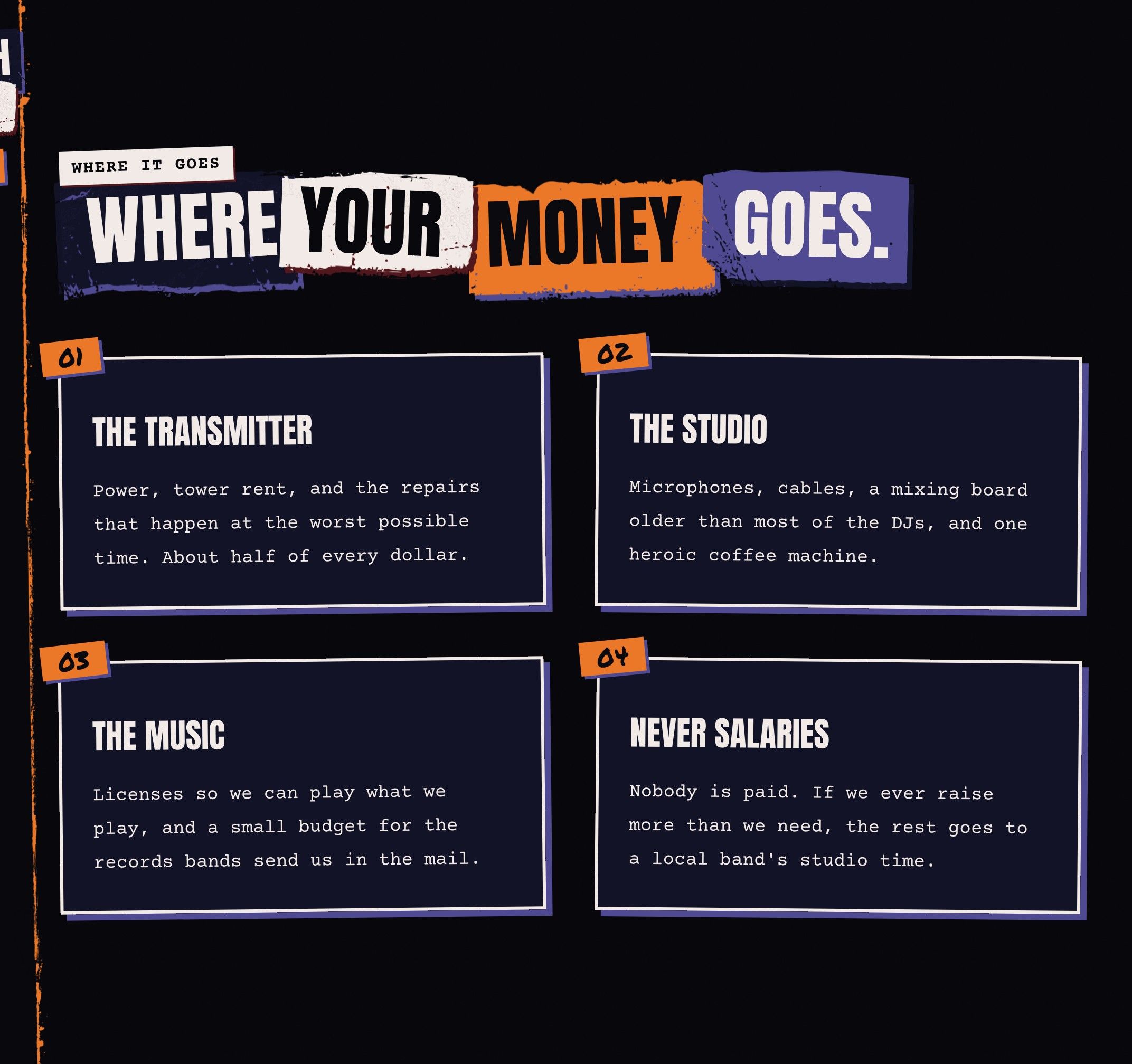
  • The donate page: a call to give in big cut-out type and a breakdown of where the money goes.

    /donate

    A page that says where the money goes

    Pledge drives are the whole business of a community station, so donate and underwrite are pages of their own, built from the same blocks as the rest.

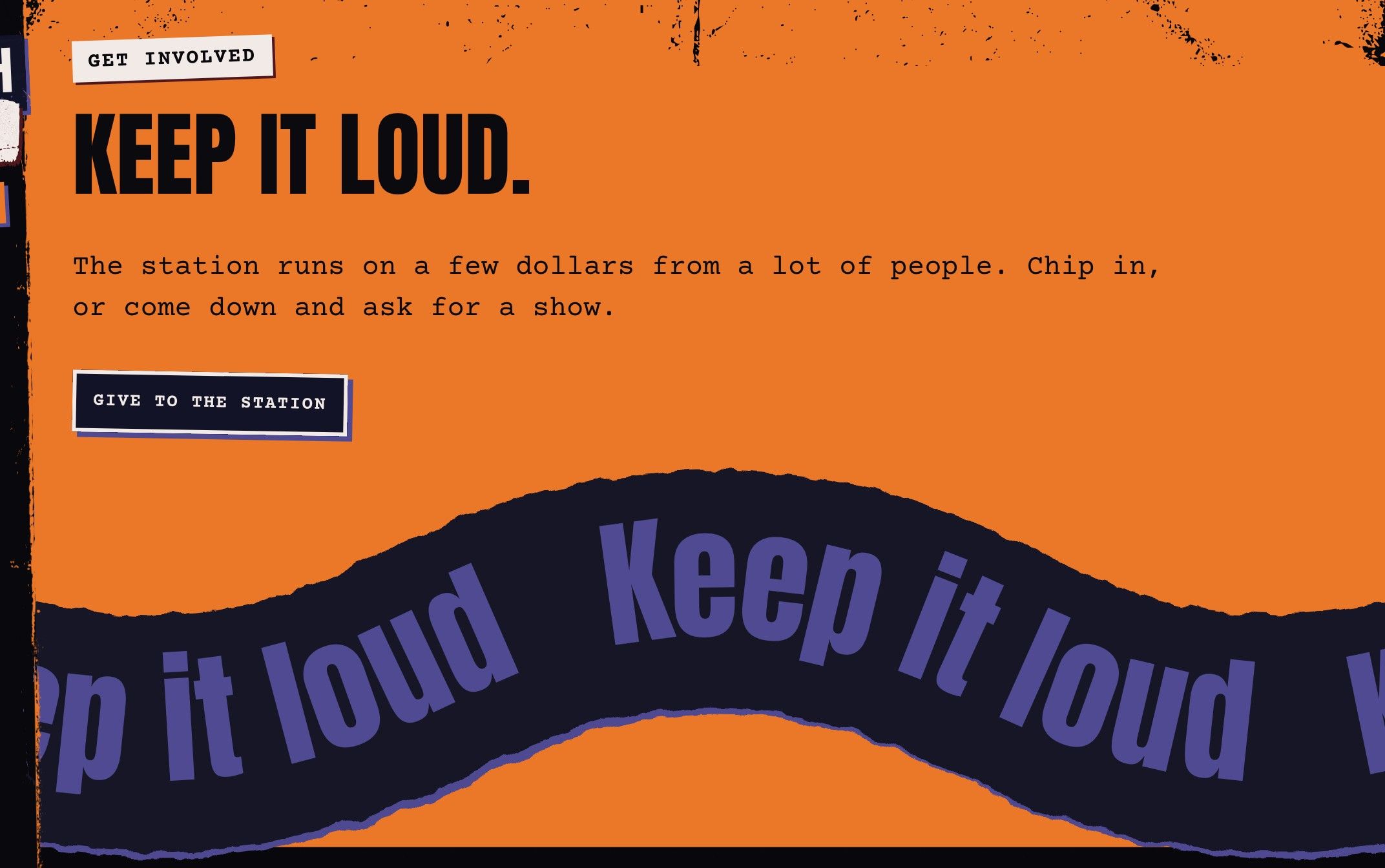
  • A call to action in torn paper with a hard shadow, a short line and one button.

    cta

    A call to action on torn paper

    A line, a button and a ripped edge in the spot color.

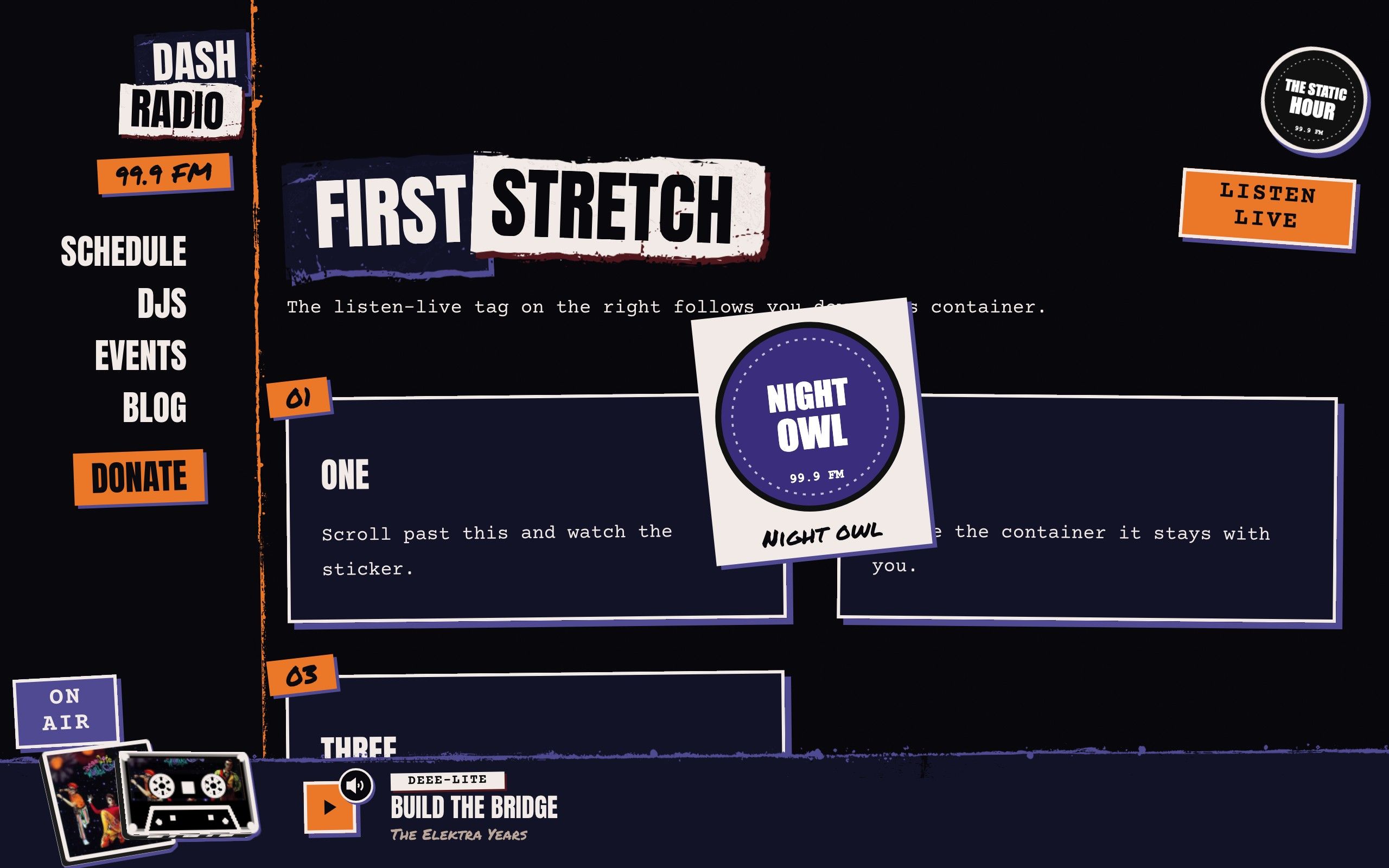
  • A page decorated with stickers: pictures and scraps pasted over the page at chosen spots, angles and sizes.

    sticker

    Stickers, pasted anywhere

    A picture or a few words, placed on a page at a chosen spot, angle and width: pinned to a corner, sticky inside a container, or fixed to the screen. Editors decorate a page without a layout.

headerPosition

Your header, your player.

Each of these is a setting in Studio, with a small drawing of every choice, or one line in the plain-file settings. Same site, different page.

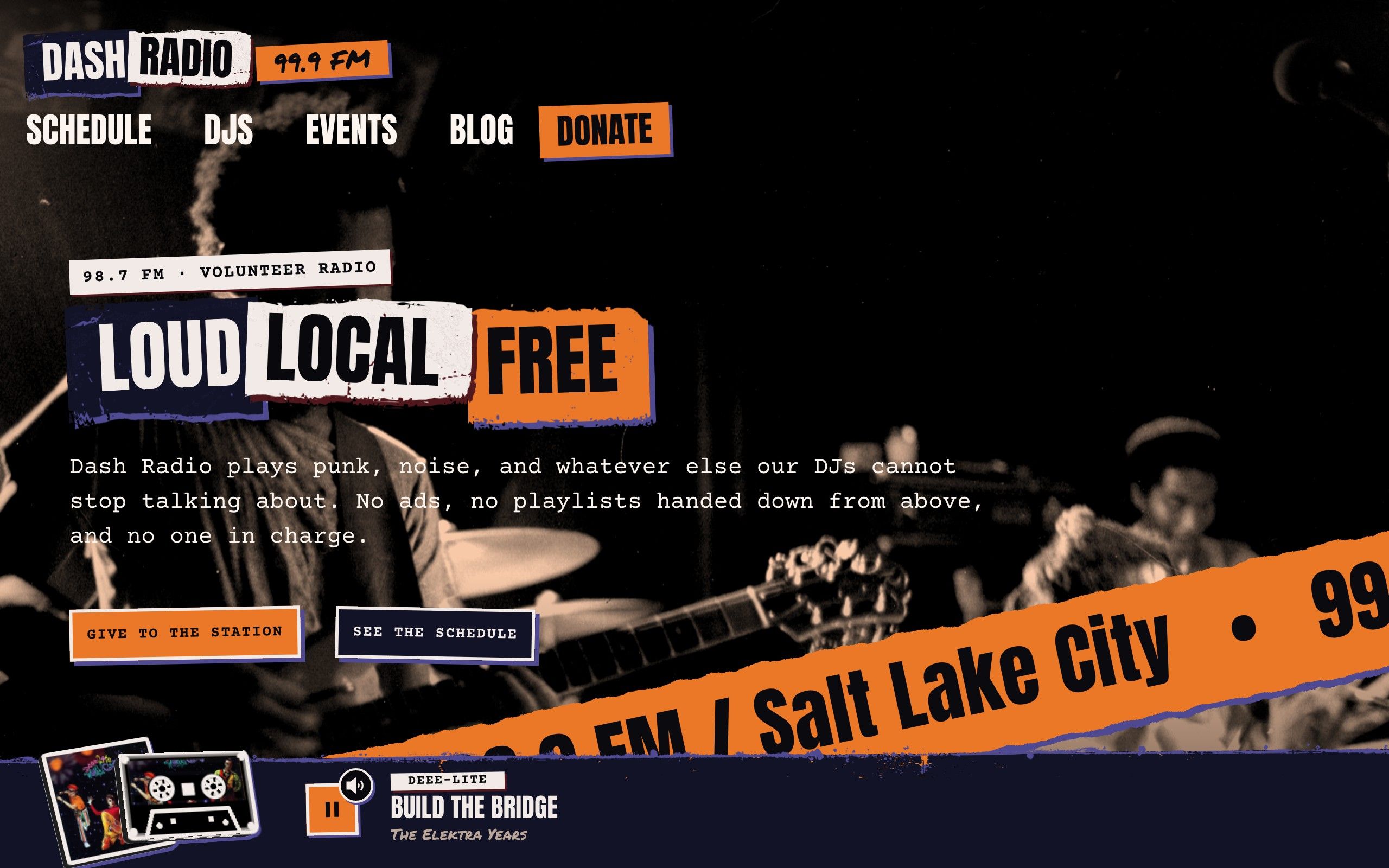
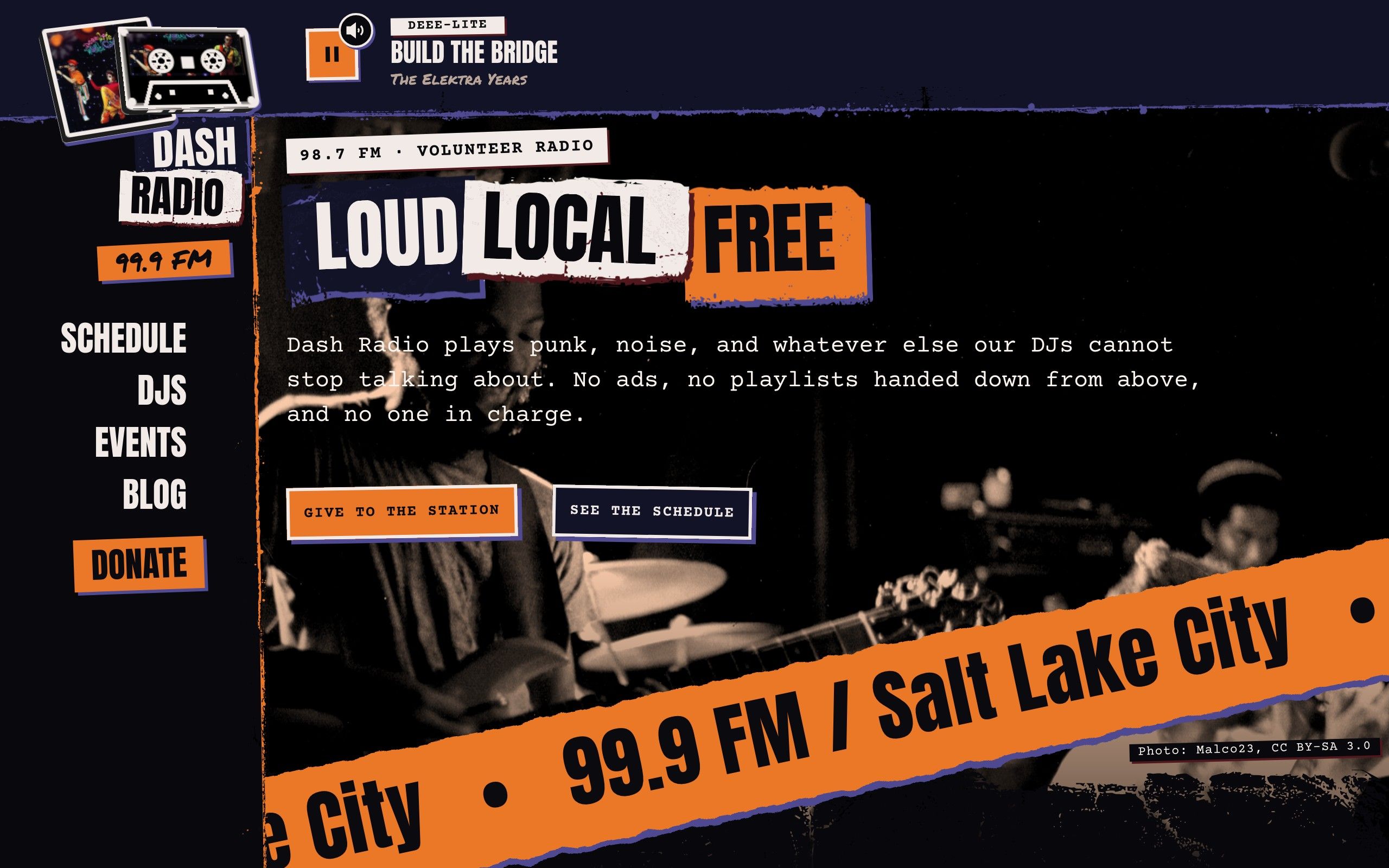
  • Dash with the header as a bar across the top, the logo at the left and the links beside it, over the photo.

    headerPosition: top

    Header across the top

    A bar across the top with the logo and links, over the photo.

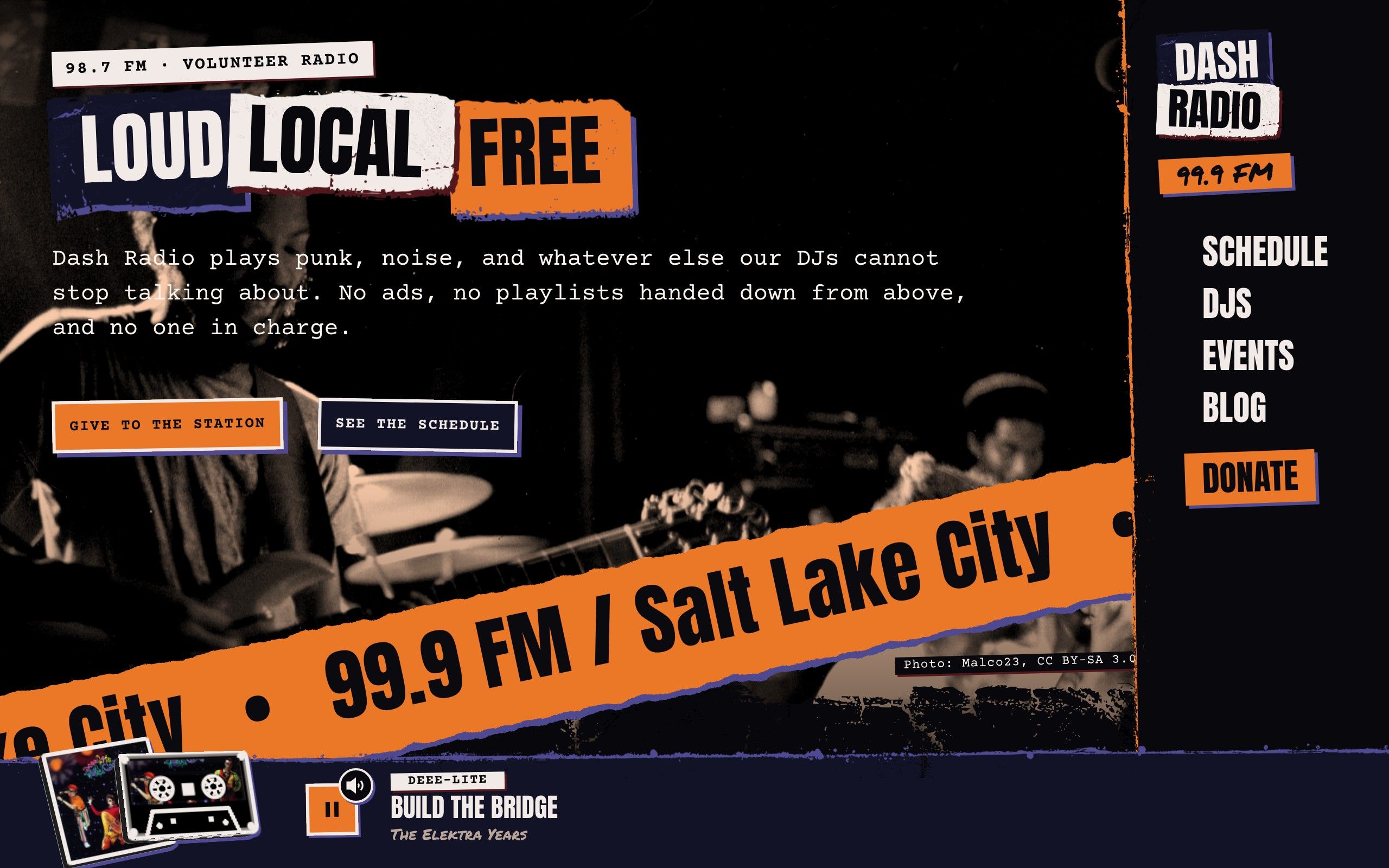
  • Dash with the header as a panel down the right edge, the links stacked under the logo.

    headerPosition: right

    Header down the right

    A panel down either edge, links stacked under the logo.

  • Dash with the header as a bar along the bottom, sitting just above the player bar.

    headerPosition: bottom

    Header along the bottom

    A bar just above the player bar, so everything sits at your thumb.

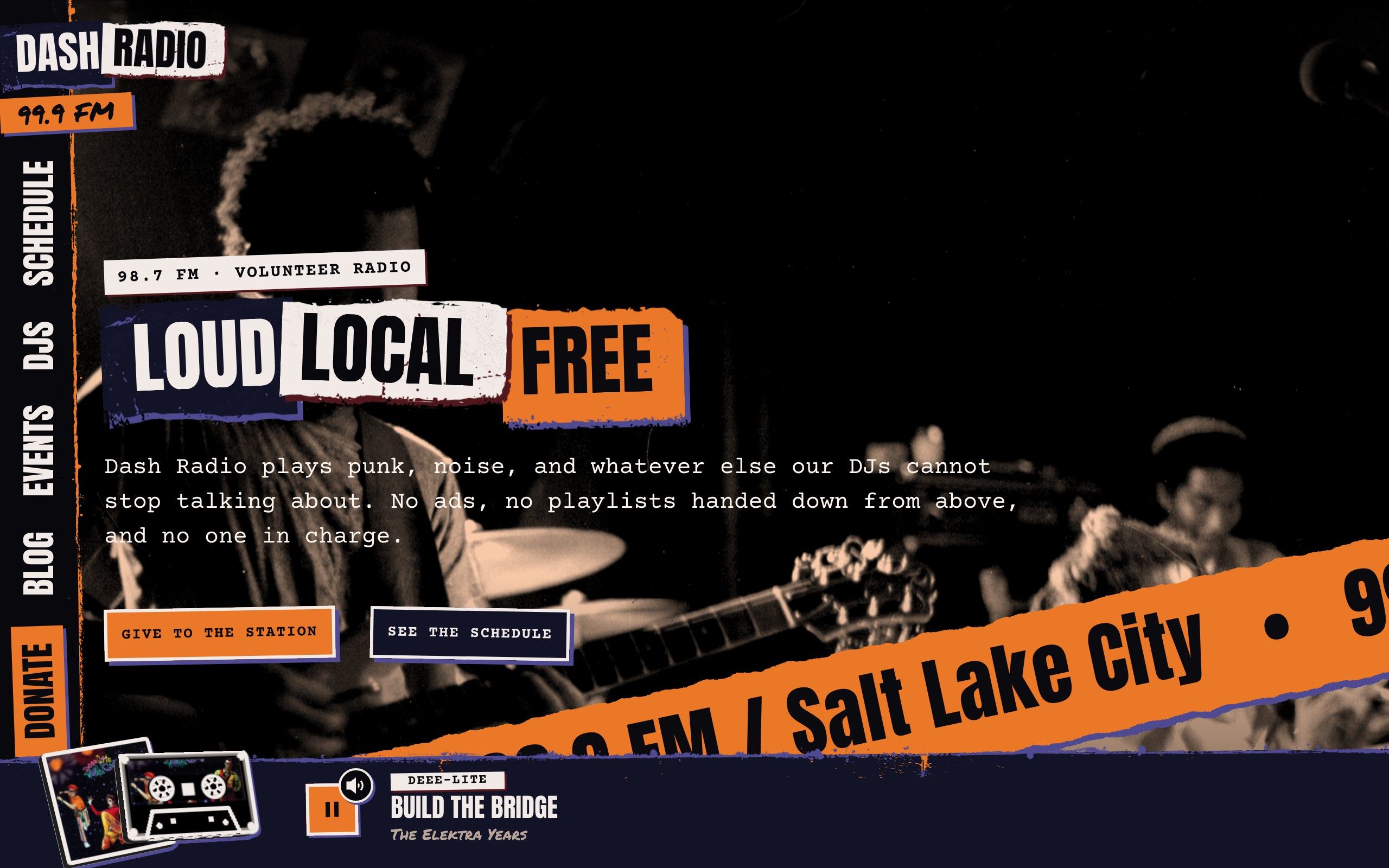
  • Dash with the links turned a quarter turn down the left edge like the lettering on a book's spine.

    navText: rotated

    Links like a book's spine

    The links turned a quarter turn down the edge, like the lettering on a book.

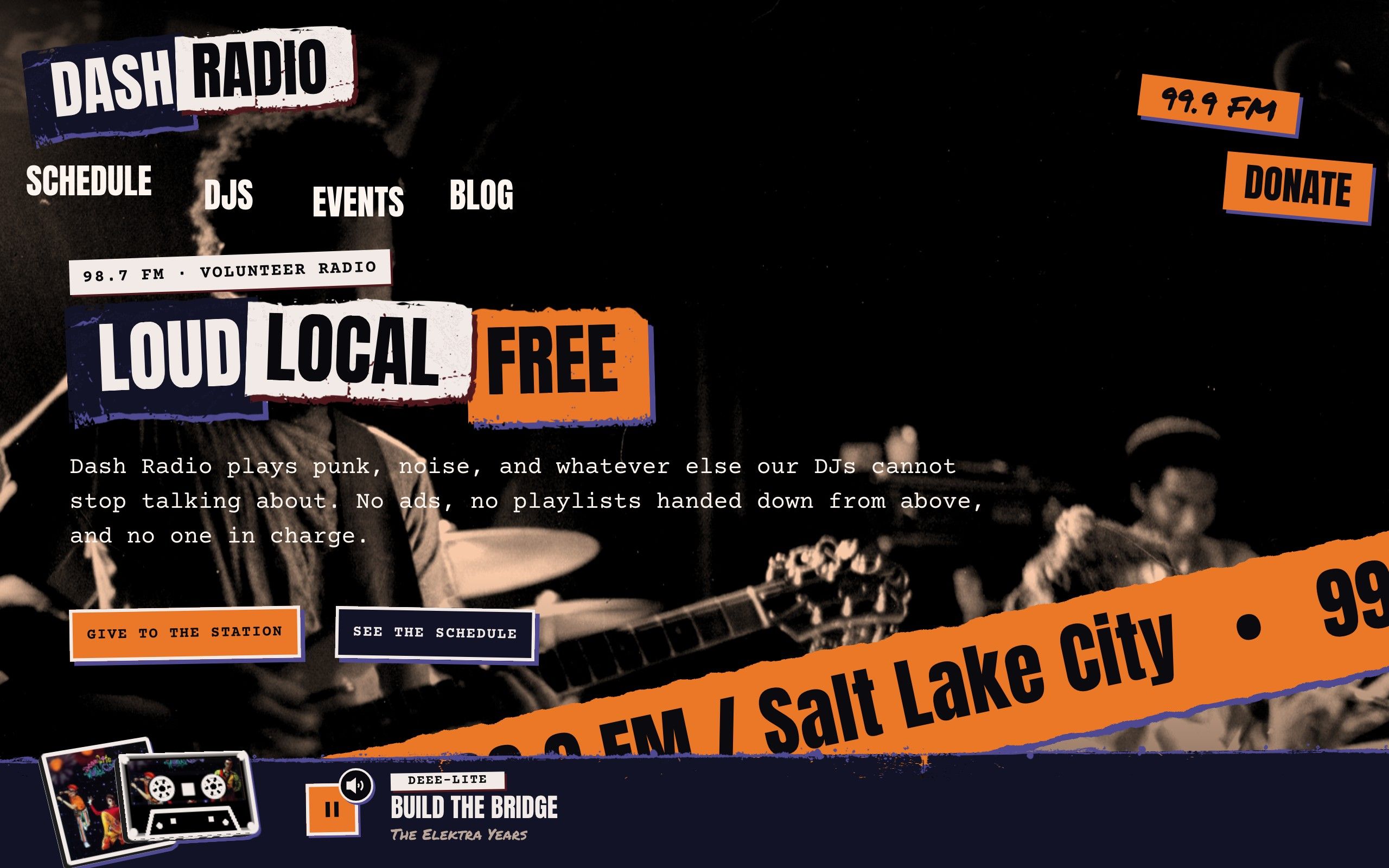
  • Dash with the links tossed over the first photo as separate torn scraps, like a collage.

    navStyle: scattered

    Links tossed over the photo

    Each link its own torn scrap, pasted over the first photo like a collage.

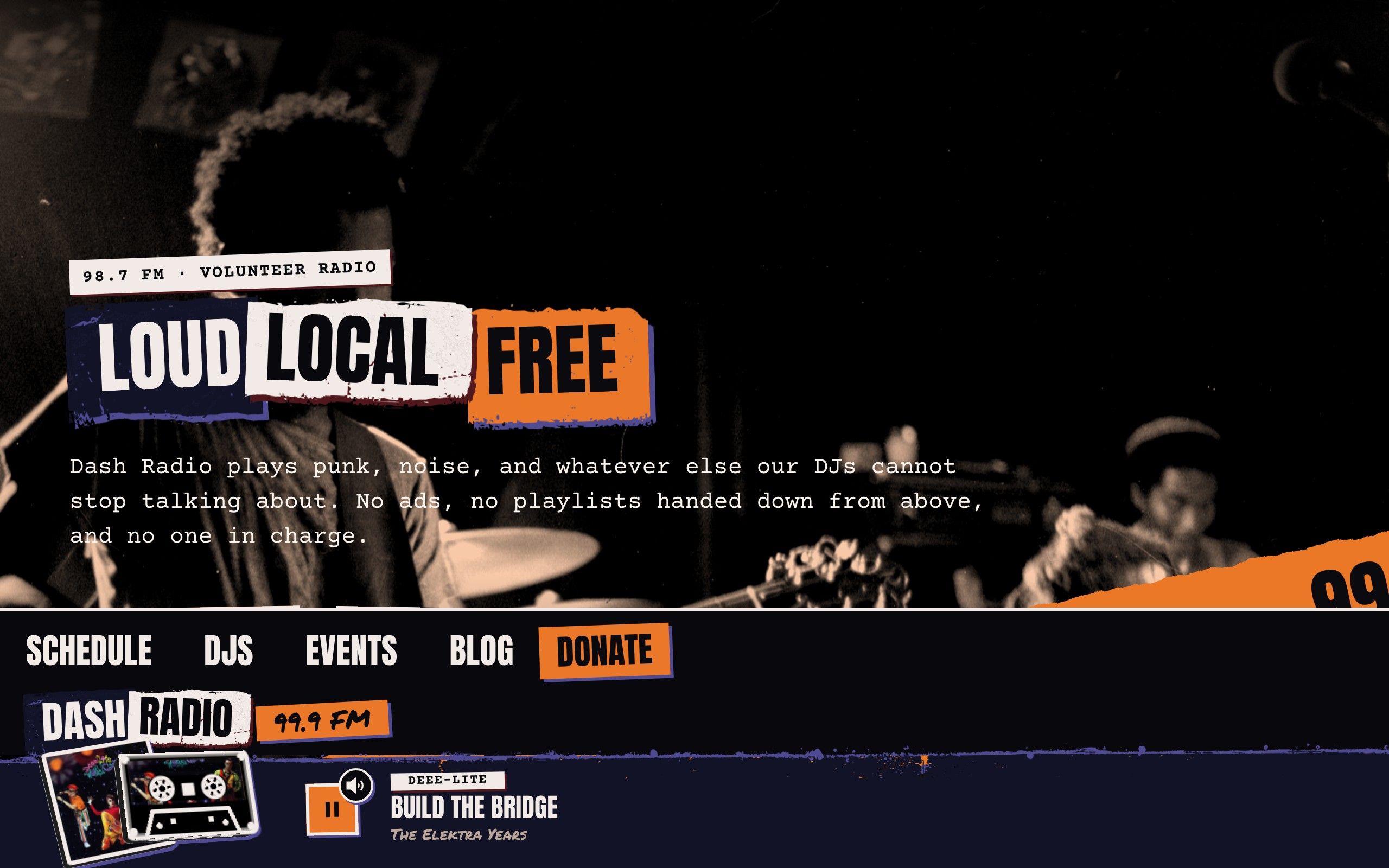
  • Dash with the player bar along the top, its torn edge facing down and the cassette hanging below it.

    playerPosition: top

    Player bar on top

    The bar along the top, its torn edge facing down and the cassette hanging below.

lineStyle, edge, TYPE_VOICE

Edges and type that look made by hand.

The line along the header and the player, the finish of a photo's bottom edge, and the headline face are one setting each. The fonts are all open source and load from your own site.

  • Dash with a grunge line along the header and the player: a rough, inky edge that sits under the paper.

    headerLineStyle: grunge

    Grunge line

    A rough inky edge that sits under the paper, so only what is past the tear shows.

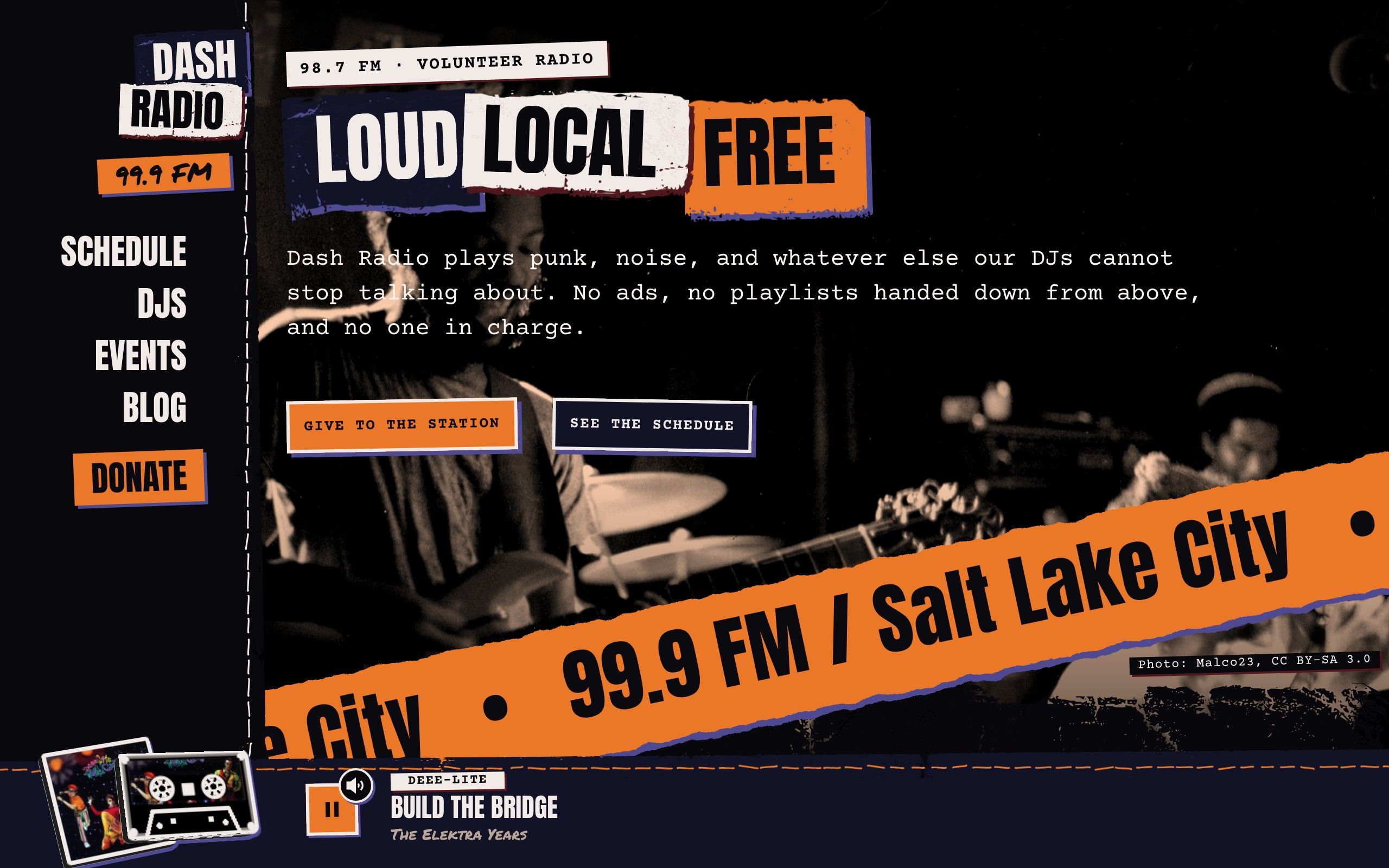
  • Dash with a dashed line along the header and the player, like a cut-here mark.

    headerLineStyle: dashed

    Dashed line

    Like a cut-here mark along the header and the player. Hand-drawn and checkered are the others.

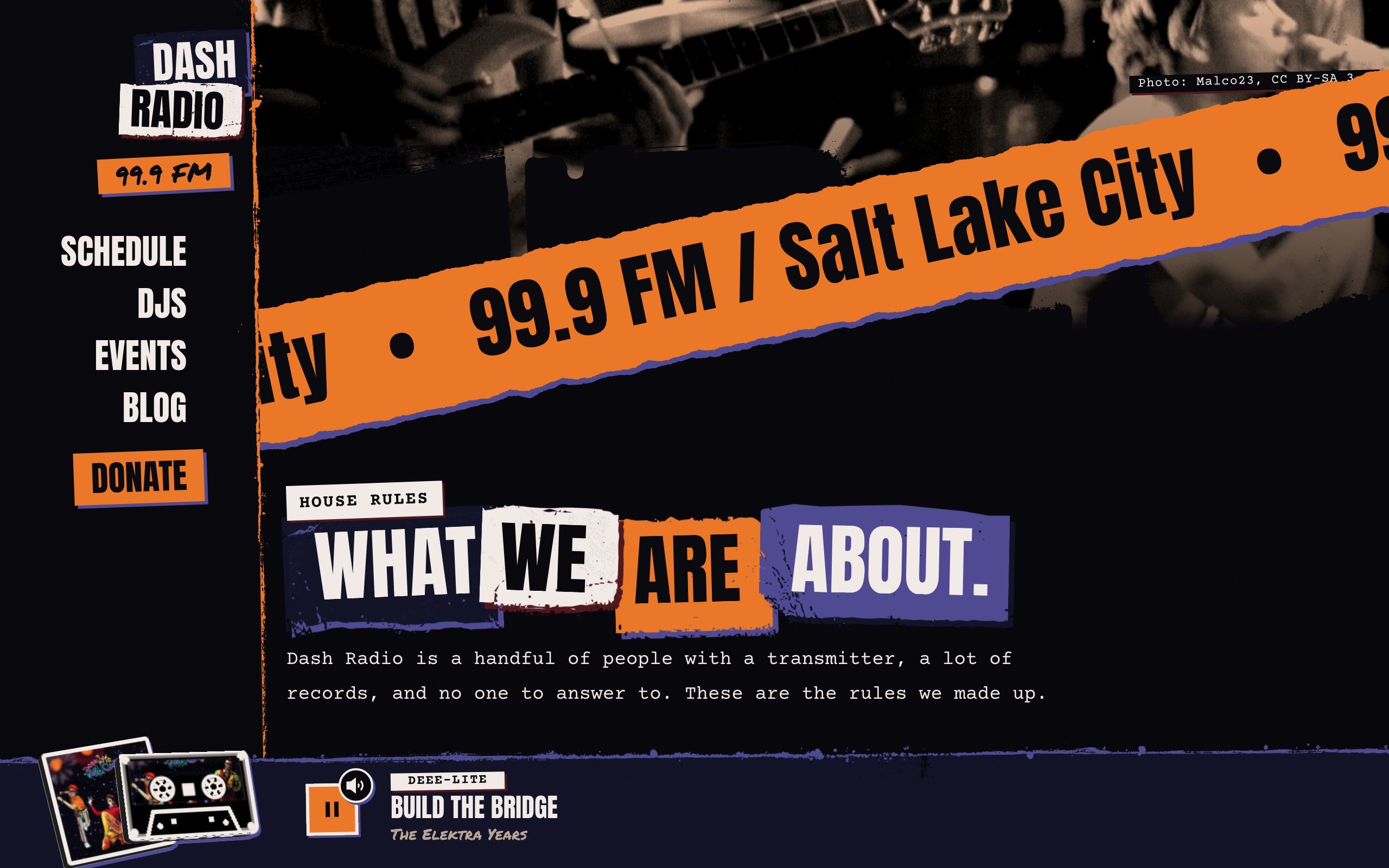
  • The front page photo ending in a drippy spray-paint edge instead of torn paper.

    edge: spray

    Spray-paint edge

    A page's photo can end in a drippy spray-paint edge instead of torn paper.

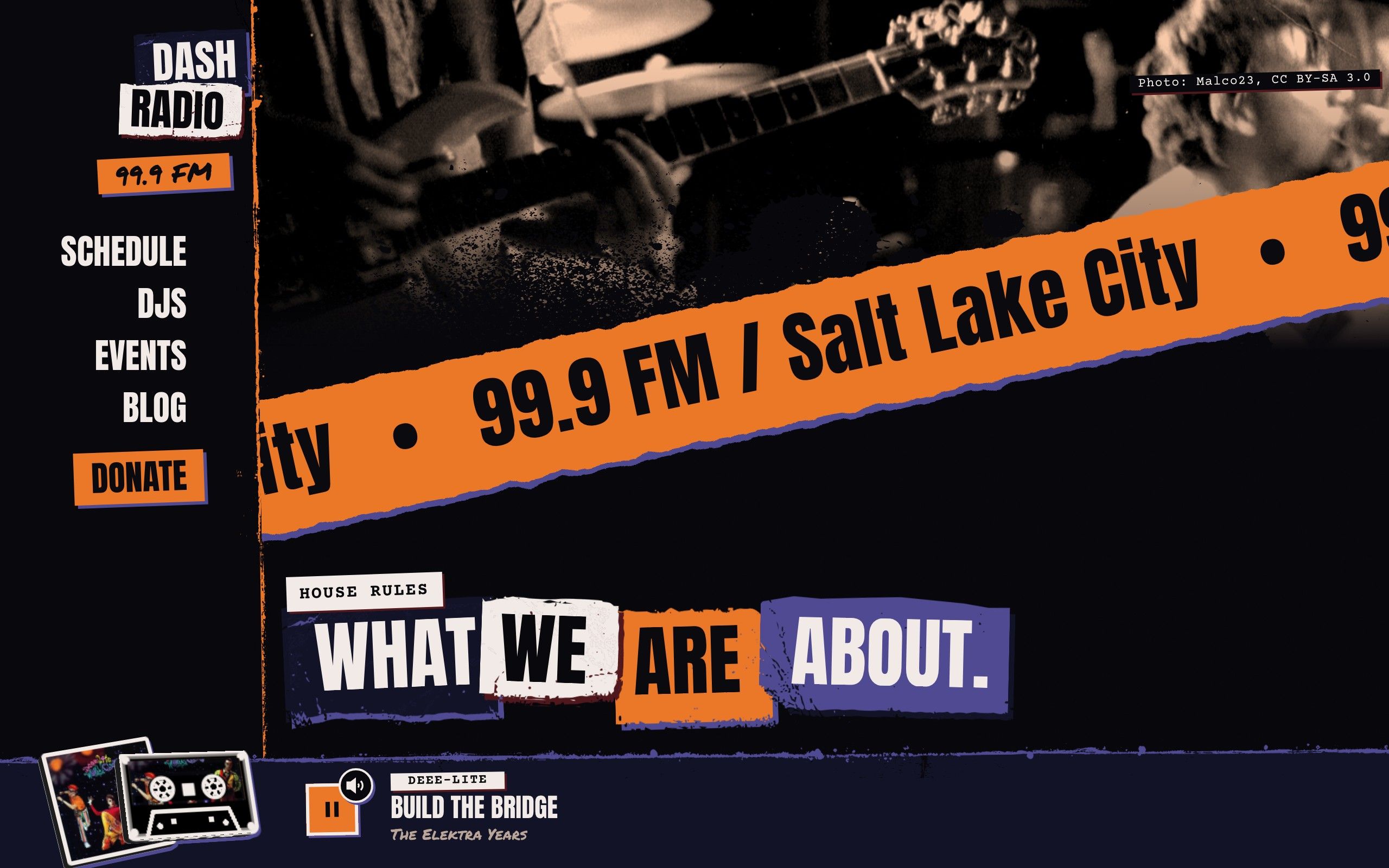
  • The front page photo ending in a splatter of spray-paint overspray.

    edge: spray-alt

    Overspray edge

    Or a splatter of overspray. A page or a post chooses its own, or none for a straight cut.

  • The front page with the Rubik Dirt headline voice: scuffed, stencilled letters with a clean sans for the text.

    TYPE_VOICE=dirt

    Headline voice: dirt

    Rubik Dirt with Rubik for the text. Nine voices, each with a body face that goes with it.

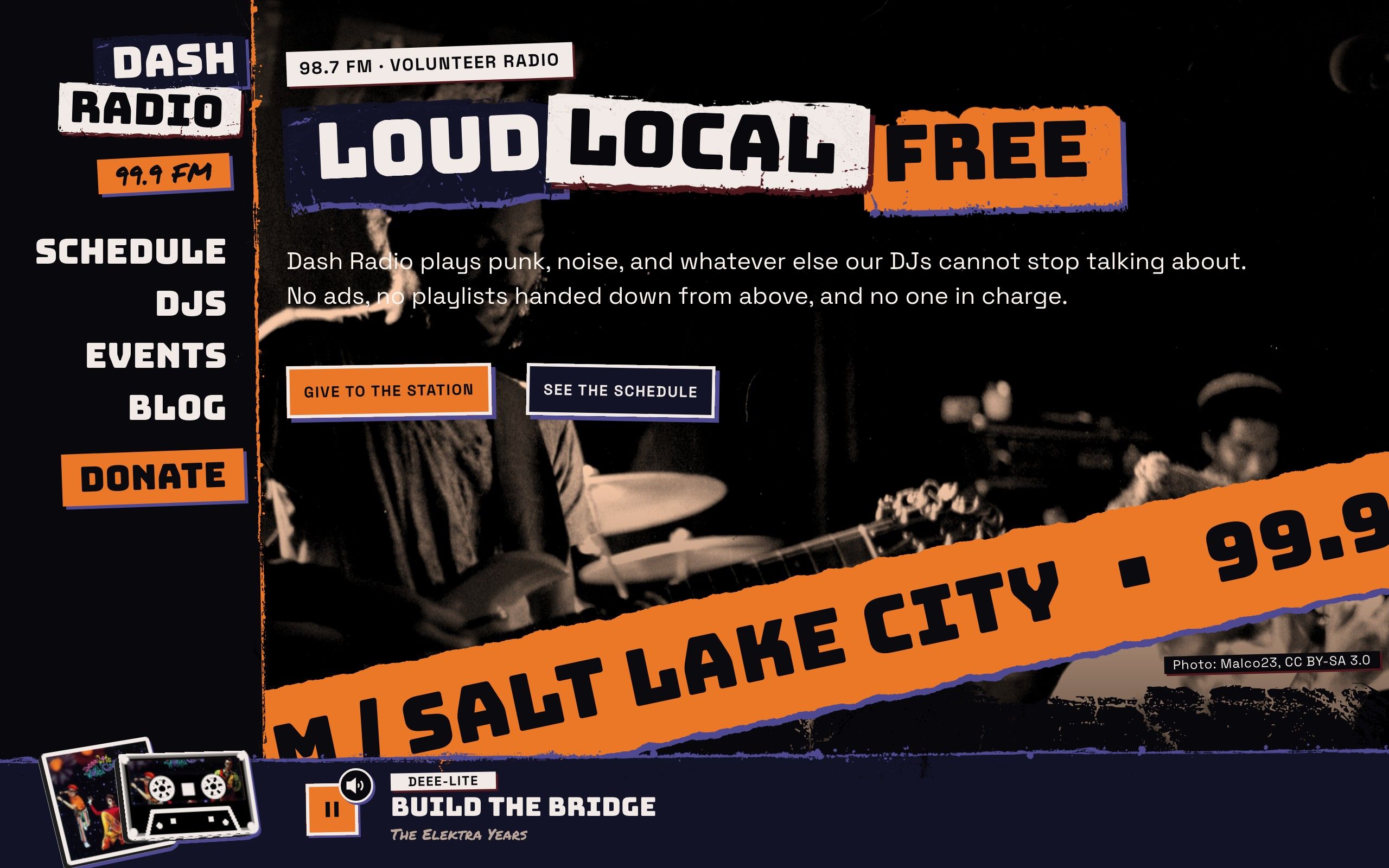
  • The front page with the Bungee headline voice: tall signage capitals with a geometric sans for the text.

    TYPE_VOICE=bungee

    Headline voice: bungee

    Bungee signage capitals with Space Grotesk. Free, no account, no kit.

cat FEATURES

And the rest of a station.

  1. [ 0.001 ]A player that never stops

    The audio lives in the page layout, so the stream keeps playing as listeners move between pages. It has a volume control, several streams to pick from (buttons or a dropdown), and can be switched off for a site that is not a station.

  2. [ 0.002 ]Shows, DJs, events and posts

    Each is a document of its own with a list page and a page per entry, all linked both ways. A weekly schedule is laid out from the shows. Editors write them in Sanity or as plain files.

  3. [ 0.003 ]A header and player of your own

    The header on any edge, its links normal, turned like a book's spine or tossed over the photo; the player bar on top or bottom; a line along each edge: dashed, hand-drawn, checkered or grunge. Small drawings in Studio show each choice.

  4. [ 0.004 ]Photocopied photos, credited

    Photos are turned grey, high contrast and washed in your spot color. The photographer and licence are printed in the corner, so a Creative Commons image is always credited.

  5. [ 0.005 ]Headlines in your voice

    Nine headline faces, all open-source Google fonts that load from your own site: no account, no kit, no domain list. One setting picks the voice, and the body text follows it. Stickers stay the marker.

  6. [ 0.006 ]Type on a curve

    A text loop block runs big type around a wave, an arch, a circle or a line, in its own row or floating over the page.

  7. [ 0.007 ]A pre-loader

    The first visit opens on the player's own record or tape over the logo, then a slanted wipe sweeps it away. It plays once per visit and never for people who ask for less motion.

  8. [ 0.008 ]Stickers

    A picture or a few words pinned to a page at a chosen spot, angle and width, so editors can decorate without a layout.

  9. [ 0.009 ]A cover for every song

    A track with no cover of its own gets the default album art you set, instead of a stock photo. Streams, colors and art are all in Studio's site settings.

/setup

Four questions, then it's yours.

Setup asks, writes your answers into the site, and starts it on your computer.

  1. [ 0.001 ]What is the station called?

    The name in the masthead and the browser tab.

  2. [ 0.002 ]In one sentence, what does it play or say?

    Shown to search engines and in link previews.

  3. [ 0.003 ]What is your brand color?

    A hex like #ff2e88. It is the site's color before any song has played and whenever a cover cannot be found; while a song with art is on air, the cover's colors take over.

  4. [ 0.004 ]Where should your content live?

    Plain files in your project, or Sanity as a web editor. Both work with Dash, and neither needs a database.

man dash

Questions about the theme.

Add your station's https stream address in Studio's site settings (or in one environment variable) and say whether to read what is playing from the stream itself, Spinitron or a station feed. Add more than one and listeners pick from buttons or a dropdown. Until you do, it plays a demo that cycles three sample tracks. The audio goes straight from your stream to the listener; Dash never carries it.

npx spoke-code create

Start with Dash.

One command makes the site. Setup does the rest.

npx spoke-code create my-station --theme dash
Get the kit